What Is Builder.io? Features, Pros, and Cons Explained
Teams often struggle with the gap between the design vision and the reality of development, waiting on engineering resources for every website change. Builder.io addresses this challenge by providing a visual development platform that enables non-technical team members to build and optimize digital experiences independently. The platform promises to streamline workflows by reducing dependencies on developers for routine updates and content modifications.
Understanding how visual development tools fit into existing workflows becomes crucial when evaluating these solutions. Rather than learning complex drag-and-drop interfaces, teams can explore alternatives that generate functional code through simple descriptions, creating applications that integrate smoothly with current technology stacks through an AI app generator.
Table of Contents
- Why Teams Struggle to Launch Websites Fast
- What Builder.io Is and How It Solves the Problem
- Key Features, Pros, and Cons You Need to Know
- Who Builder.io Is Best For and How to Decide
- Turn Your Visual Ideas Into Real Apps Without Waiting on Developers
Summary
- Small website updates stretch into multi-day sprints, not because changes are complex, but because coordination overhead swallows the calendar. Each request enters a queue, waits for developer availability, gets translated into code, goes through review cycles, and finally ships. What should take minutes becomes a process involving Figma mockups, Google Docs copy, and developer translation, with each handoff introducing delays and misalignments that trigger another round of communication.
- Companies that reduce time-to-market by 20% see revenue gains of 15-30% in the first year, according to a 2023 McKinsey study. When your competitor ships an experiment in two days, and you need two weeks, they run seven tests while you complete one. They learn faster, optimize harder, and capture attention before you've finished your first iteration. Developer time spent translating design files into HTML is time not spent building features that differentiate your product.
- Builder.io removes the handoff bottleneck by letting developers build reusable components once, while marketers, designers, and content teams assemble pages and launch experiments without writing code. Teams achieve 50% faster time to market by eliminating developer handoffs for routine content updates, according to Builder.io's own data. A marketing manager can swap hero images or test layout variants without filing tickets, freeing developers to focus on features that require engineering judgment, such as API integrations or performance optimization.
- The platform's headless CMS architecture means content lives independently from presentation, flowing to websites, mobile apps, email campaigns, or any other channel without reformatting. You create a blog post or product description once, and it appears across all digital properties, updating everywhere when you make a change. This matters most for teams managing multiple customer-facing properties with shared design systems or running frequent campaigns where speed determines competitive advantage.
- The learning curve hits harder than marketing materials suggest, with most users taking two to three weeks to feel comfortable with the visual editor's constraints and component architecture. Advanced customizations still require coding for custom animations, complex state management, or third-party API integrations that aren't pre-built. Pricing creates barriers at scale, with the steep jump from the $99 Basic plan to the $499 Growth tier that unlocks A/B testing and personalization tools most teams actually need.
- Orchids's AI app generator addresses the gap between visual content tools and functional applications by letting teams describe backend logic, database connections, and workflow automation in natural language rather than learning another drag-and-drop interface.
Why Teams Struggle to Launch Websites Fast
Even small website updates take days of developer time because of coordination overhead, not because they are hard to do. A marketing manager wants to change a headline, a designer wants to test a mobile layout, or a product team wants to try three different versions. Each request enters a queue, waits for an available developer, gets converted to code, undergoes review, and then gets published. What should take a few minutes ends up taking several days.
Key Point: The bottleneck isn't technical complexity—it's the human coordination required to move simple changes through your development pipeline.

"What should only take a few minutes ends up taking several days due to coordination overhead in traditional development workflows."
Warning: This coordination overhead compounds with team size, meaning larger organizations often move more slowly on simple website changes despite having more resources.

| Request Type | Actual Complexity | Time Required |
|---|---|---|
| Headline Change | 30 seconds | 2-3 days |
| Mobile Layout Test | 5 minutes | 3-5 days |
| A/B Test Setup | 10 minutes | 1 week |
What causes delays in the handoff model?
The problem isn't about technical skill: it's about how teams hand off work to each other. Designers create mockups in Figma, marketers write copy in Google Docs, and developers turn both into code. Often, they only discover problems after the code is built. A button that looked perfect in the design file might not work when the content is longer than expected. The spacing that worked in static mockups can break when real data is added. Each problem found means more talking and more delays.
How does speed create competitive advantage?
Product launches miss market windows because teams can't move fast enough. According to a 2023 McKinsey study, companies that reduce time-to-market by 20% see revenue gains of 15-30% in the first year.
If your competitor ships an experiment in two days and you need two weeks, they run seven tests while you complete one. They learn faster, optimize harder, and capture attention before you've finished your first iteration.
What causes development bottlenecks?
Developer time spent translating design files into HTML and CSS is time not spent building features that differentiate your product. Marketing campaigns stall waiting for page updates. A/B tests get delayed because creating different versions requires engineering resources.
The entire organization moves at the speed of the slowest handoff: almost always a developer juggling twelve competing priorities.
Why don't traditional solutions work?
Most teams address this with better project management tools or clearer communication protocols, such as organized Slack channels and more detailed Jira tickets.
These help at the edges, but they don't eliminate the core dependency: non-technical team members still can't ship changes without technical intervention. The bottleneck persists because the tools require translating visual intent into functional code.
Orchids's AI app generator takes a different approach by letting teams describe what they need in natural language and receive working code that integrates with existing systems. Rather than waiting for a developer to translate a mockup into React components, you describe the layout, specify the behaviour, and get functional code that deploys immediately. The handoff delay disappears because the translation step is removed.
But understanding the tool is only half the equation. The real question is whether it solves the problem better than the alternatives already in your workflow.
Related Reading
What Builder.io Is and How It Solves the Problem
Builder.io is a visual development platform that separates content from code on a headless CMS architecture. Your content lives independently and can be published anywhere: websites, mobile apps, kiosks, or future platforms. Developers build reusable components once, then marketers and designers assemble pages visually, test different versions, and launch campaigns without touching code.

Key Point: The separation of content and code means your team can move faster - developers focus on building components once, while marketers get the freedom to create without technical bottlenecks.
"Visual development platforms enable non-technical teams to create and iterate independently, reducing development cycles by up to 60% while maintaining code quality." — Developer Experience Report, 2024

Best Practice: This headless approach solves the traditional problem where every content change or page update requires developer involvement, creating bottlenecks that slow down marketing campaigns and product launches.
How does Builder.io eliminate development bottlenecks?
The platform removes a critical friction point: the bottleneck between idea and execution. Your marketing team wants to test a new landing page for a regional campaign. Under traditional workflows, the request enters a development queue, competes with feature requests and bug fixes, and may launch weeks later when the campaign window has closed. Builder.io eliminates that dependency. Once the component library is created, your content team can drag, drop, and publish independently.
How does Builder.io's visual editor solve common development challenges?
Builder.io's visual editor addresses slow workflows, developer dependencies, and inconsistent experiences across channels. Non-technical users can take control without sacrificing quality: they arrange pre-built, tested components instead of editing raw HTML or template syntax. This maintains brand consistency and technical standards across every page.
What testing and personalization capabilities are built in?
Component libraries enforce design systems at scale, preventing accidental layout breaks and off-brand colour schemes. Native A/B testing lets you experiment with headlines, layouts, and calls to action without third-party tools. Personalization options tailor experiences based on user behaviour, location, or device type from a single interface.
How does multi-channel publishing work with existing tech stacks?
Multi-channel publishing lets you build something once and share it everywhere: website content can power mobile apps, in-store displays, and email campaigns without rebuilding it. Developer integrations connect to the tools you already use (React, Vue, Angular, or custom frameworks) without forcing proprietary solutions.
How do traditional CMS platforms limit modern development?
Traditional CMS platforms like WordPress or Drupal bundle content and presentation together. This coupling works for simple sites but becomes problematic when managing multiple brands, testing new markets, or supporting different customer segments across web and mobile. Each new channel requires custom templates, additional plugins, and more developer time. According to Builder.io's homepage, teams can generate, iterate on, and optimise web and mobile experiences in seconds rather than sprints.
What makes Builder.io's headless architecture different
Builder.io's headless architecture treats content as data rather than pages. Your product descriptions, images, and metadata sit in one place, accessible through APIs. How that content appears on a website, in a mobile app, or via a voice interface is determined by your chosen front-end framework, not by the CMS itself. You avoid vendor lock-in and don't need to rebuild everything when adopting a new framework.
How does the visual editor allow non-technical teams?
The visual page editor in Builder.io makes it easy for non-developers to make design changes. Your marketing team can launch campaigns, your product team can test checkout flows, and regional managers can customize landing pages without submitting developer tickets. Builder.io reports that content teams achieve 50% faster time to market when iterating independently. Faster testing enables more experiments, generating better data for smarter decisions.
Speed without control creates chaos. Tools like Orchids's AI app generator help teams prototype and test ideas quickly using AI-powered solutions, avoiding hours of manual configuration. This lets teams identify which features matter most before committing to a platform, ensuring the visual development tools you adopt solve your team's problems.
Yet even with the right platform, success depends on understanding what you're gaining and what tradeoffs you're accepting.
Key Features, Pros, and Cons You Need to Know
Builder.io gives non-developers control over digital experiences through a visual editor that arranges pre-built components instead of raw code. The platform shares capability across teams without sacrificing technical standards or brand consistency: speed and quality work together because constraints are built into the architecture.
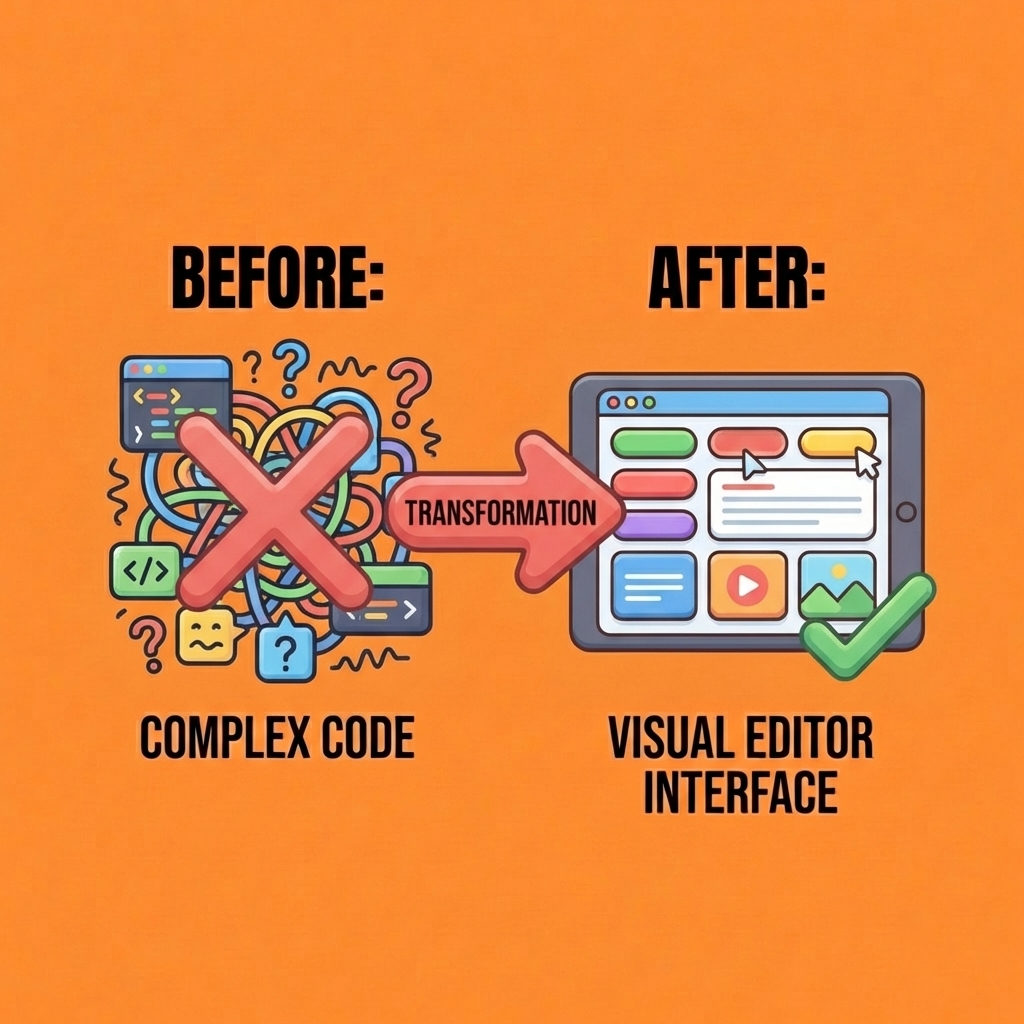
Key Point: Builder.io bridges the gap between technical complexity and user accessibility by providing a visual interface that democratizes web development without compromising on professional standards.
"Builder.io transforms how teams collaborate on digital experiences by eliminating the traditional bottleneck between design vision and technical implementation." — Platform Overview, 2024
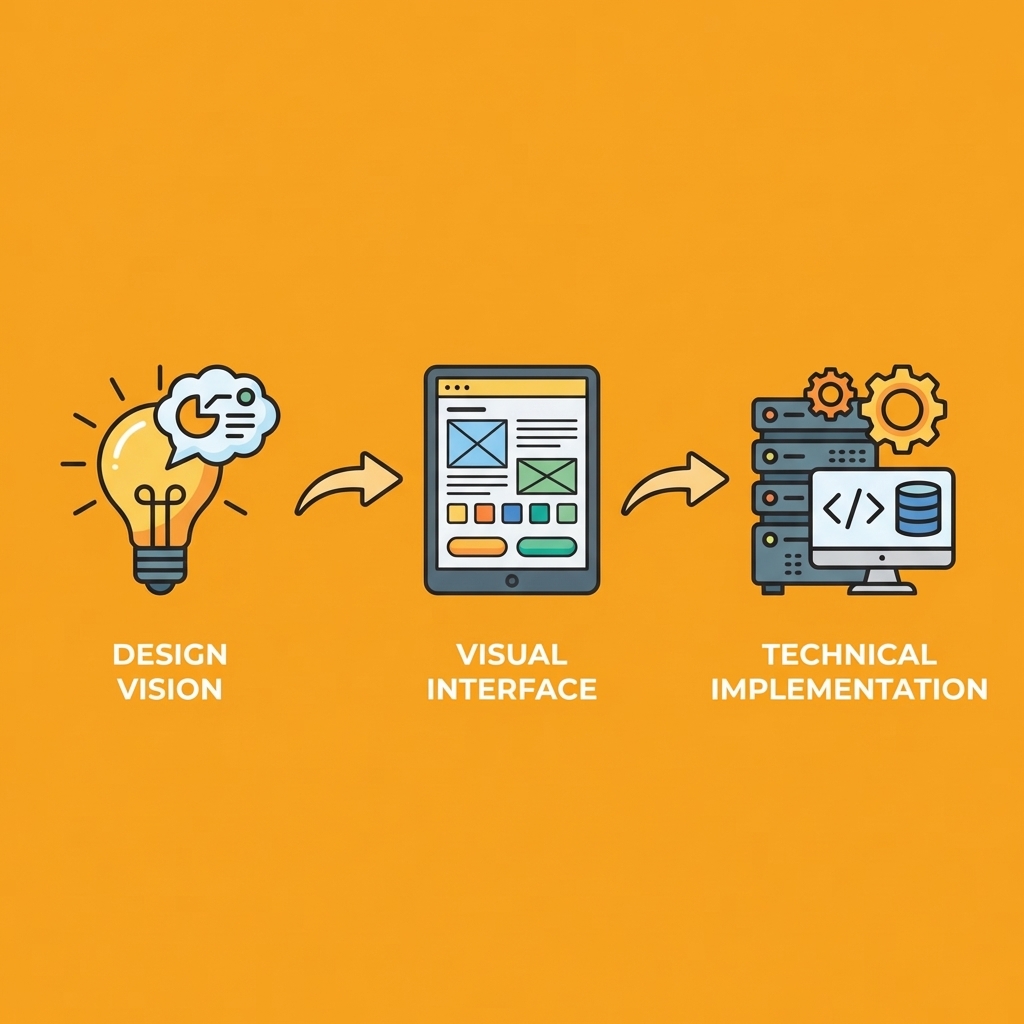
Tip: The platform's component-based approach ensures that even non-technical team members can create professional-grade experiences while staying within established design systems and brand guidelines.
How does the drag-and-drop editor eliminate development bottlenecks?
The drag-and-drop editor removes the translation layer between idea and execution. Your marketing team wants to test a new hero section for an upcoming campaign. Instead of writing a ticket, waiting for sprint planning, and hoping the developer interprets your wireframe correctly, they open Builder.io, select the hero component your developers created, adjust the headline and image, preview it across devices, and publish. The entire process takes minutes, not days.
How do reusable symbols accelerate the building process?
Reusable symbols speed this up even more. Your signup form, footer, announcement bar, and navigation components become library items. Drag them onto any page, and they maintain the exact styling, functionality, and accessibility standards your developers built into them. When your design system changes, updating the symbol updates every instance across your site.
How do Figma imports bridge design and development workflows?
Figma imports bridge design and development workflows. Designers create mockups in Figma, export them to Builder.io with one click, and the platform translates visual designs into functional components. Your developers can register custom components directly into Builder.io's visual editor, extending the platform to match your specific tech stack. You're building faster with your own design system.
How does built-in A/B testing work without external tools?
Built-in A/B testing runs experiments directly within Builder.io. Create two variations, set traffic allocation, define success metrics, and launch. The platform tracks performance, calculates statistical significance, and identifies the winning version. You don't need to integrate Optimizely or VWO, manage additional vendor contracts, or cross-reference separate analytics dashboards.
What personalization options are available for different user segments?
Personalization options display different content based on user behaviour, location, or device type. Returning customers see different messaging than first-time visitors. Mobile users receive streamlined layouts optimized for smaller screens. Regional campaigns display localized offers without building separate pages for each market. According to Lumenore's data analytics tools comparison, teams that centralize testing and personalization within their content platform reduce tool sprawl and improve decision speed.
How do heat maps and analytics inform optimization decisions?
Heat maps and analytics track how users interact with your pages: where they click, how far they scroll, and which sections they ignore. This data helps you plan your next test. Your CTA may not be the problem; users might not scroll far enough to see it. Builder.io provides that insight without sending event data to Google Analytics or Hotjar, then matching findings back to your page structure.
How does Builder.io's pricing structure work?
Builder.io's free tier supports 10 users and 10,000 monthly page views for early-stage teams. The Basic plan costs $99/month for 100,000 page views and 100GB bandwidth. Growth plans ($499/month) unlock A/B testing, analytics, and content scheduling. Enterprise pricing adds single sign-on, extended activity history, and premium support for teams managing multiple brands or high-traffic properties.
Pricing ties to usage, not seats, so you're not penalized for adding team members. However, the "spaces" model can be confusing for new users. Multiple projects that don't share content require separate spaces, each billed independently, while projects sharing a content library live in the same space. Understanding this distinction before scaling prevents surprise invoicing.
What technical limitations should you expect?
Advanced customizations require coding. The visual editor handles layout, content swaps, and component arrangement, but custom logic, complex animations, and proprietary integrations demand developer work. Builder.io redirects developer focus from repetitive layout changes toward building reusable components and solving unique technical challenges. Teams that prototype with an AI app generator before committing often discover which features genuinely matter, avoiding overpaying for unused capabilities or missing critical functionality.
The platform requires constant internet access: you cannot draft pages offline or in areas with poor connectivity. For distributed teams in regions with unreliable internet, this becomes a significant constraint. You're also tied to Builder.io's ecosystem. Migrating later means exporting content, rebuilding component libraries, and retraining your team. Vendor lock-in is a tradeoff you accept for the speed and autonomy the platform provides.
Understanding these tradeoffs matters only if Builder.io fits the problems your team faces.
Related Reading
- Mobile App Ideas
- Replit Alternatives
- Softr Alternatives
- AI Tools For Product Managers
- Vs Code Alternatives
- Hire an App Developer
- Appsheet Alternatives
Who Builder.io Is Best For and How to Decide
Builder.io makes sense when your main problem is how fast you can create content, not how good your technical skills are. If your marketing team can only make one landing page every three months because a developer must help with every change, while competitors test three different versions every week, you're falling behind on speed.

Key Point: The biggest indicator that Builder.io is right for your team is when speed of execution becomes your primary bottleneck, not technical complexity or budget constraints.
"Teams using visual development platforms can deploy changes 75% faster than traditional development workflows, dramatically reducing time-to-market for marketing campaigns." — Forrester Research, 2023
Warning: Builder.io might not be the best fit if your team already has dedicated developers available for quick turnarounds, or if you're working with highly complex applications that require extensive custom coding beyond what visual builders can handle.
How does Builder.io remove development dependencies?
Builder.io removes that dependency by letting non-developers control what appears on screen without touching code.
What team structure works best with Builder.io?
The platform works best when you have developers who can build reusable components and a content team capable of making design decisions independently. Your developers build the foundation once: navigation systems, product cards, hero sections, and form logic.
Your content team assembles those pieces into campaigns, tests messaging, and adjusts based on performance data. This division of work succeeds only if both sides understand their role and respect the system's built-in limits.
How does Builder.io help retail and e-commerce businesses?
Retail and e-commerce businesses running seasonal promotions benefit immediately. Your Black Friday campaign needs different messaging than your January clearance sale, and both must launch without waiting for a developer to swap hero images or update call-to-action text. Builder.io lets your marketing team stage content in advance, schedule publish times, and test promotional copy across audience segments without technical help. According to Builder.io's blog, content teams achieve 50% faster time to market when they control iteration cycles independently.
What benefits does Builder.io provide for professional services firms?
Professional services firms that manage expertise showcases gain control over how they present their capabilities to different client segments. Your financial advisory practice might serve both high-net-worth individuals and small business owners, each requiring different messaging. Builder.io's personalization features let you serve different landing page versions based on referral source, location, or user behaviour without maintaining separate codebases.
How does Builder.io support membership organizations and government agencies?
Groups that charge members for access to special content can use Builder.io's control features to determine which parts of the site display only to logged-in members or visitors, manage content visibility by role, and track who published what and when. Government offices that need to follow accessibility rules find the platform helpful because it enforces WCAG standards through pre-approved components while allowing experts to update public information independently.
When does Builder.io become unsuitable for your project?
Simple static sites that don't get updated often don't need Builder.io's complexity or cost. A portfolio site updated twice a year, or a small business homepage, works better with a traditional CMS or a static site generator.
Teams with tight budgets face a difficult choice. The free tier supports 10,000 monthly page views for testing only. Paid plans start at $99 per month for basic features or $499 for A/B testing and analytics. If developer time is inexpensive or abundant and your content team can edit templates directly, investing in developer hours makes more sense than paying for platform subscriptions.
What limitations exist for complex functionality?
Projects requiring special features or deep custom connections often outgrow Builder.io's visual editor. Complex price calculations, real-time inventory updates, or unique recommendation systems still demand custom code. Builder.io accelerates repetitive, visual work, but it doesn't eliminate engineering effort on difficult problems.
Teams evaluating visual development platforms often test tools like Orchids's AI app generator before selecting Builder.io. This reveals which features matter most and whether your team can stay organised within a component-based system. You'll discover whether your content team has the design judgment to assemble on-brand pages and whether developers can build sufficiently abstract components.
How much time does your team spend on visual changes?
Start by measuring how much time your team spends waiting for developers to make visual changes that don't require new functionality. If that exceeds ten hours per week, Builder.io likely pays for itself within the first month. If developers spend more time translating design files into code than on building features that set your product apart, the platform redirects their effort toward work that requires engineering judgment.
What should you test during the trial period?
Try the free version with a single project. Most teams need two weeks to become comfortable with component architecture, publishing workflows, and reusable symbols versus one-off layouts. If designers and marketers can build three landing pages independently during that trial, you've confirmed the tool fits your workflow. If they repeatedly need developer help or encounter limits requiring custom code, the platform may not align with how your team operates.
Will your team actually use it as designed?
The real test isn't whether Builder.io can do what you need—it's whether your team will actually use it the way it's designed, or whether you'll end up creating the same handoff bottlenecks with a more expensive tool.
Related Reading
- How To Create An App
- Best Mobile App Builder
- Lovable AI
- AI App Builders
- Best Vibe Coding Tools
- No Code AI Tools
Turn Your Visual Ideas Into Real Apps Without Waiting on Developers
Visual editors help marketers work faster on landing pages, but they don't support building a customer portal, inventory management system, or internal dashboard without involving developers. Builder.io solves the handoff problem for pages and content, but what about actual applications that process data, handle user authentication, connect to your database, or automate workflows across systems?
Key Point: Visual development platforms excel at content but struggle with complex application logic and backend functionality.
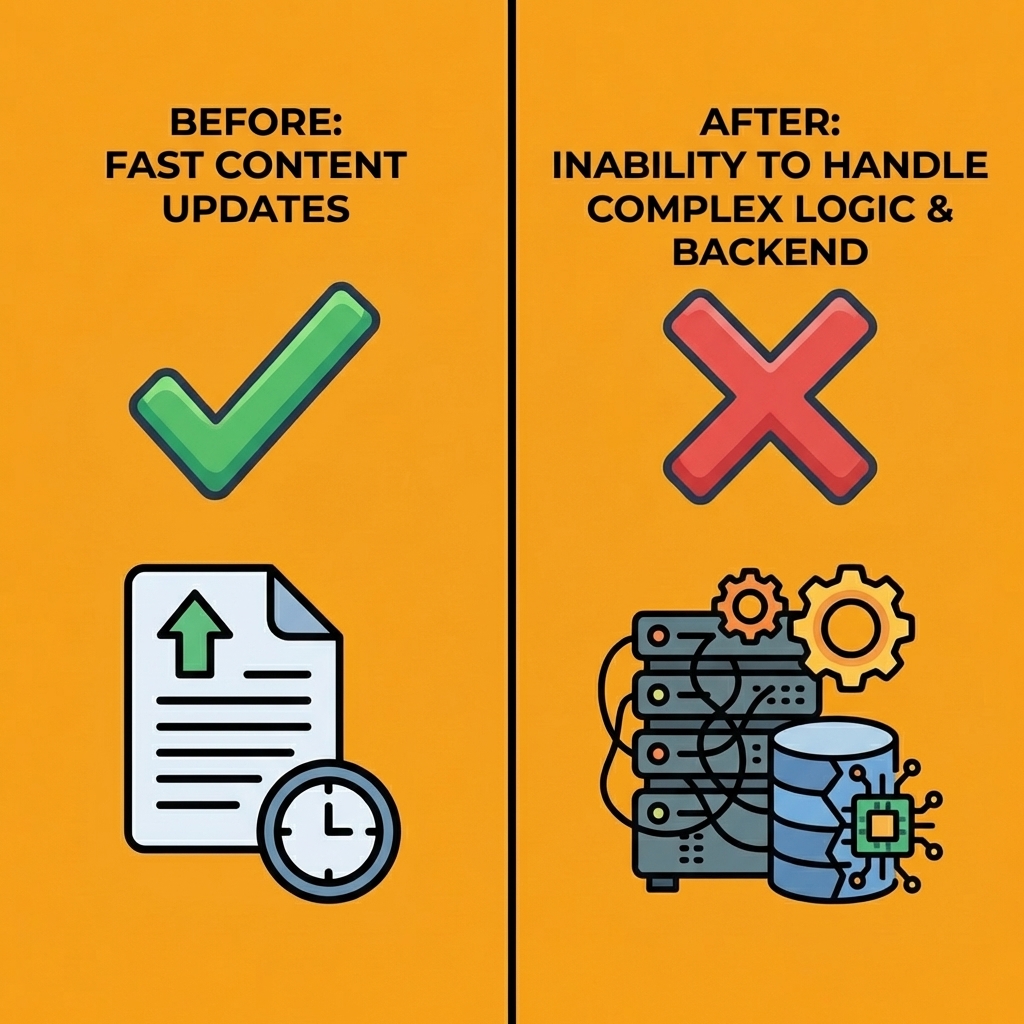
Most teams hit this wall after adopting visual development platforms. You gain speed on content updates, then realize your next project requires backend logic, API integrations, or state management that no drag-and-drop interface can handle. The platform that eliminated developer dependency for pages recreates it the moment you need functionality beyond layout and copy.
"The platform that eliminated developer dependency for pages recreates it the moment you need functionality beyond layout and copy."
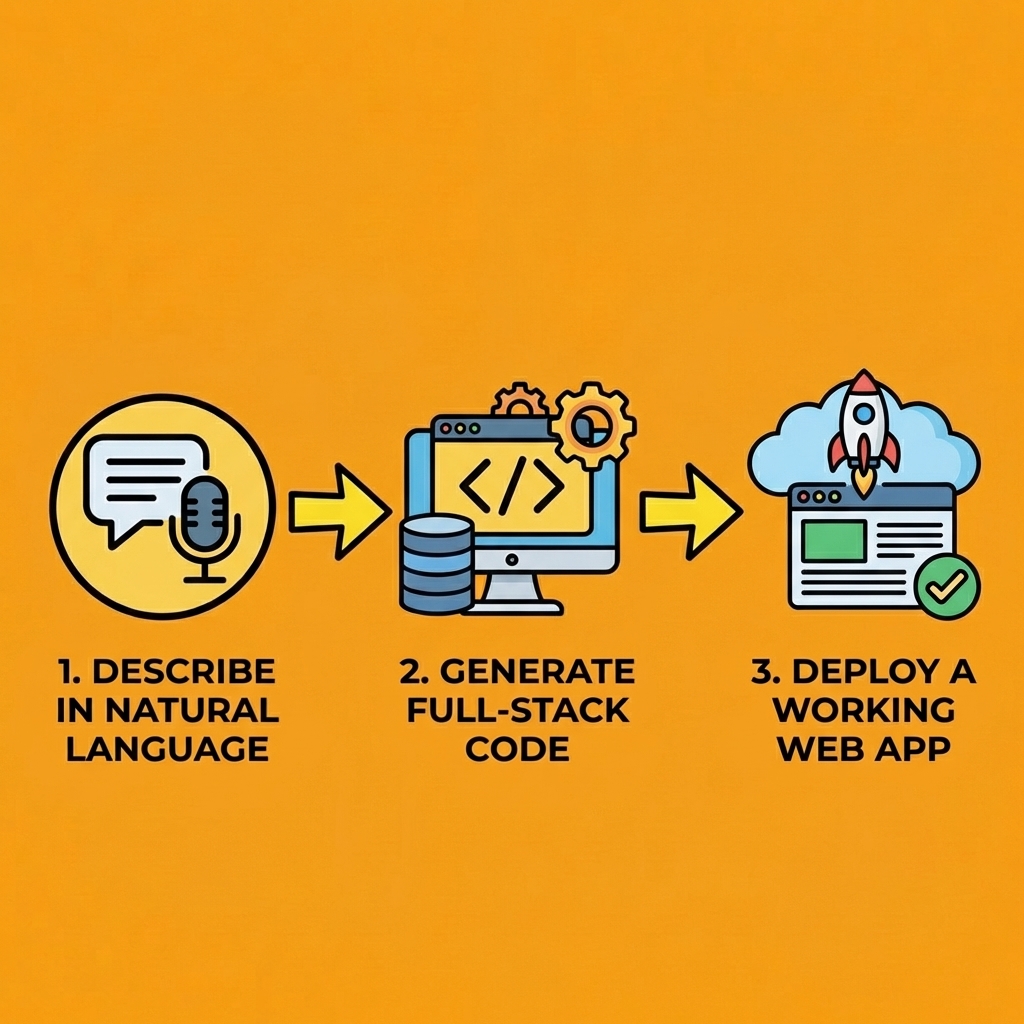
Orchids lets you describe what you need in natural language and receive working full-stack code. Want a web app that pulls inventory data from your database, displays it in a filterable table, and sends alerts when stock drops below thresholds? Describe the behaviour, specify your data sources, and deploy with one click. Mobile app, Chrome extension, Slack bot, or automated script? Same process. You bring your own API keys for ChatGPT, Claude, Gemini, or GitHub Copilot, so you control costs and leverage the AI model you already trust.
| Traditional Development | Orchids Platform |
|---|---|
| Weeks of developer coordination | Minutes to describe and deploy |
| Complex server configuration | Automatic infrastructure handling |
| Manual authentication setup | Built-in auth and security |
| Expensive developer resources | AI-powered code generation |
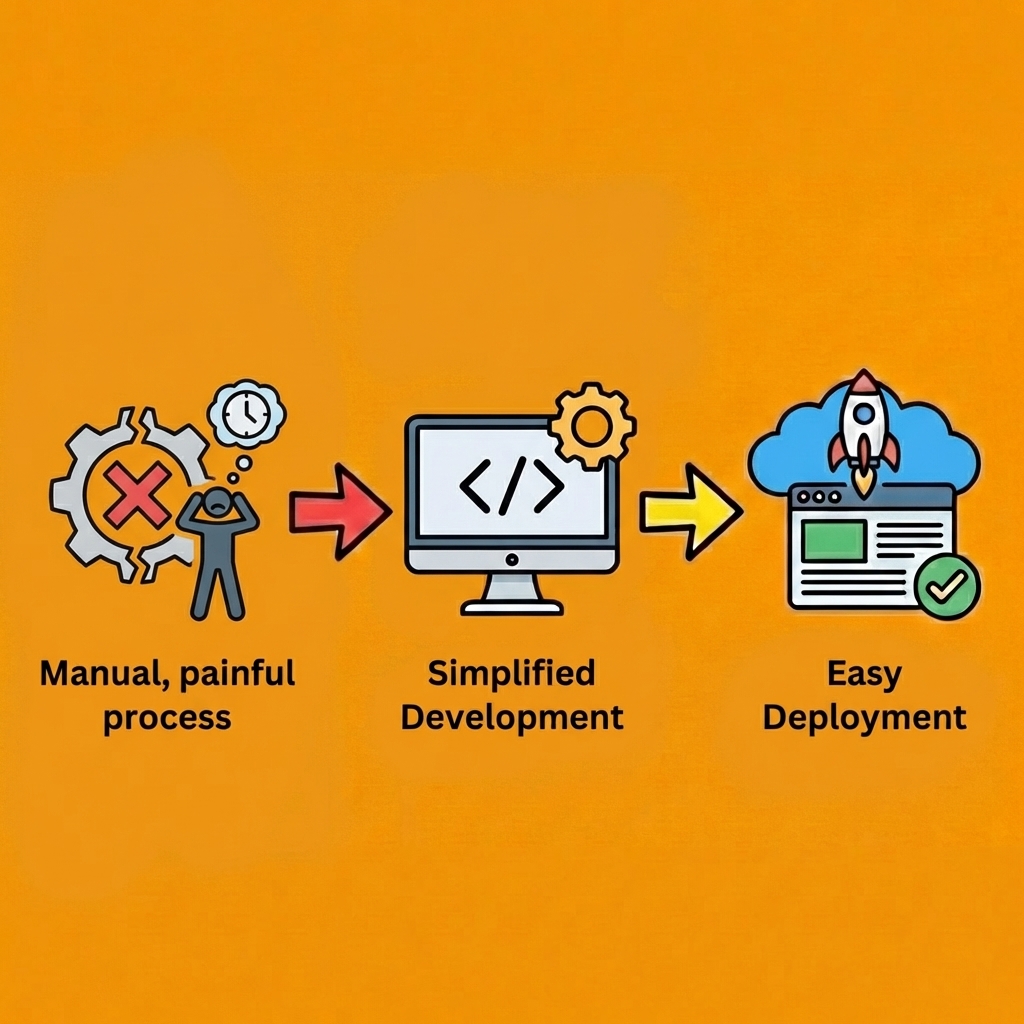
The platform handles authentication, database connections, payment integrations, and deployment infrastructure without requiring you to configure servers, manage environments, or write boilerplate. You can import existing code, run security audits before launch, and iterate on UI or copy without disrupting engineering work. Custom domains attach in seconds. Updates deploy instantly.
Tip: Import existing code and run security audits before launch to ensure your applications meet enterprise standards without developer oversight.

Builder.io proved that eliminating handoffs between design and development accelerates content velocity. Orchids applies that principle to building actual software, letting you stop waiting for cross-team coordination and start shipping ideas the moment they're worth testing. Build your first app for free at orchids.app.
Bilal Dhouib
Head of Growth @ Orchids