What Is Lovable AI? Features, Use Cases, and Honest Review
Lovable AI has emerged as one of the most talked-about coding assistants, claiming it can turn natural language prompts into working applications within minutes. Many developers wonder whether it actually delivers on that promise or creates more problems than it solves. Understanding its real capabilities requires looking beyond the marketing hype to see how it performs in actual development workflows.
When evaluating any AI-powered development platform, practical answers about workflow integration matter more than flashy features. Comparing different approaches to automated code generation helps developers make informed decisions rather than follow trends. For those exploring comprehensive solutions, Orchids offers an AI app generator worth considering alongside other options.
Table of Contents
- Why Most AI Tools Feel Impressive—But Don't Stick
- What Using Lovable AI Actually Feels Like (The Good, The Friction, The Tradeoffs)
- Is Lovable AI Worth It? (And Who It's Actually For)
- When You're Ready to Go Beyond Prompts—and Actually Ship
Summary
- Most AI projects fail because they solve the wrong problem, not because the technology is weak. MIT's 2025 AI Report found that 80% of AI projects fail to deliver measurable business value because they don't integrate into the work people already do. Tools that wow you with technical capability disappear from your workflow when they don't address the daily, high-friction tasks that actually slow you down.
- Lovable AI trades flexibility for speed by functioning as a structured development agent that scaffolds routes, wires up authentication, and generates database schemas within minutes. Baytech Consulting's analysis found an 80% reduction in development time for early-stage projects where speed matters more than architectural purity. The platform excels at eliminating the blank-page problem for solo developers, validating MVPs, and helping startup teams under pressure to ship.
- Heavy iteration burns credits fast once you move beyond initial prototyping. Users report checking their credit balance multiple times per day as they refine their applications, as the opinionated workflow that accelerated the first draft becomes constraining under fine-tuned control. Refactors sometimes break other components, requiring careful human review after each AI-generated update as projects grow beyond the MVP stage.
- Building has become so easy that it's worthless on its own, creating a gap between building and selling that leaves most AI-generated products with zero users. The 1% who make money bring something before the code (existing audience, real clients, domain knowledge, or a specific niche they understand deeply) and validate whether it sells before investing more. Distribution matters more than development capability when everyone can ship in a weekend.
- Most teams use AI coding assistants as a starting point rather than the final product. They generate the initial structure, export to GitHub, and continue development in traditional IDEs when customization needs exceed platform constraints. This hybrid workflow (AI scaffolding plus traditional development) lets teams skip the tedious setup phase without getting trapped in constrained ecosystems.
- AI app generator addresses this by working as an integrated development environment that supports any stack, any framework, any language, so developers maintain full control without being forced into predefined architectural choices or manual workflow gaps.
Why Most AI Tools Feel Impressive—But Don't Stick
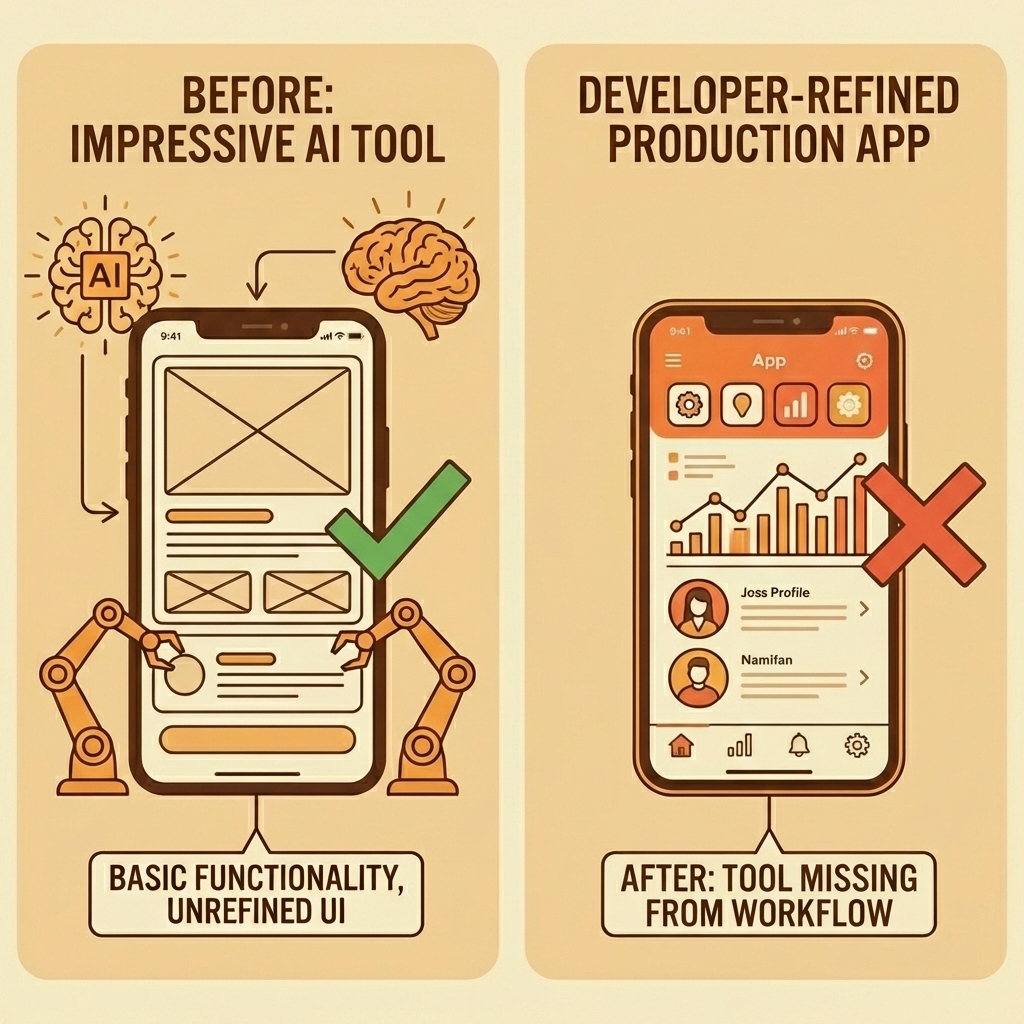
Most AI tools fail because they solve the wrong problem. They impress you with technical ability, then disappear from your workflow because they don't address the daily, high-friction tasks that slow you down. MIT's 2025 AI Report found that 80% of AI projects fail to deliver measurable business value, not because the technology is weak, but because it doesn't fit into the work people already do.
"80% of AI projects fail to deliver measurable business value, not because the technology is weak, but because it doesn't fit into the work people already do." — MIT's 2025 AI Report
Key Point: The most impressive AI features mean nothing if they don't solve real workflow problems you face daily.
Warning: Don't get distracted by flashy demos—focus on tools that integrate into your existing study habits and make daily tasks faster.
Why does power without integration fail?
The false belief is simple: "If an AI tool is powerful, I'll naturally keep using it." But power without workflow integration amounts to impressive demos. When a tool requires excessive prompting, forces you into unfamiliar interfaces, or produces untrustworthy output, friction kills momentum. You stop opening it.
The Silo Effect
Tools that operate like separate islands—strong on their own but unable to connect to your other systems—create broken workflows that require manual data transfer between platforms. If a tool generates code well but doesn't integrate with your version control, communication channels, or deployment pipeline, you're copying and pasting instead of automating. That's manual work, not automation.
What happens when AI output becomes unreliable?
Nothing drives abandonment faster than unreliable output. One developer spent 14 hours across three days debugging AI-generated code in what he called "collaborative debugging degradation," where each new AI suggestion worsened the problem. The AI lost context after eight messages, hallucinated solutions, and confused unrelated parts of the codebase. What should have taken 20 minutes became an exhausting loop of diminishing returns. When you can't trust the output, you stop using the tool or waste hours verifying everything it produces.
Why does the 10x improvement rule matter for AI adoption?
The 10x rule matters here. If your new AI tool is only marginally better than ChatGPT or your current workflow, you won't switch. Learning something new, integrating it into your process, and trusting it with real work requires substantial improvement, not incremental gains.
What Actually Sticks
Tools that get used every day solve urgent, repetitive problems with minimal cognitive effort and integrate into existing systems. They deliver consistent, accurate results that build trust. Platforms like Orchids address this by functioning as an integrated development environment rather than a standalone code generator, supporting any stack, framework, or language. Our platform becomes part of how you work, not an extra step you must remember.
But even when tools get the integration right, a deeper question remains: one most people don't ask until it's too late.
Related Reading
What Using Lovable AI Actually Feels Like (The Good, The Friction, The Tradeoffs)
Lovable AI trades flexibility for speed. The platform functions as a structured development agent that shows you a plan, makes changes across multiple files, and delivers working previews in minutes. You're not building from scratch—you're steering a system that already knows how to scaffold routes, wire up authentication, and generate database schemas. For solo developers validating an MVP or startup founders under pressure to ship, this opinionated workflow eliminates the blank page problem.
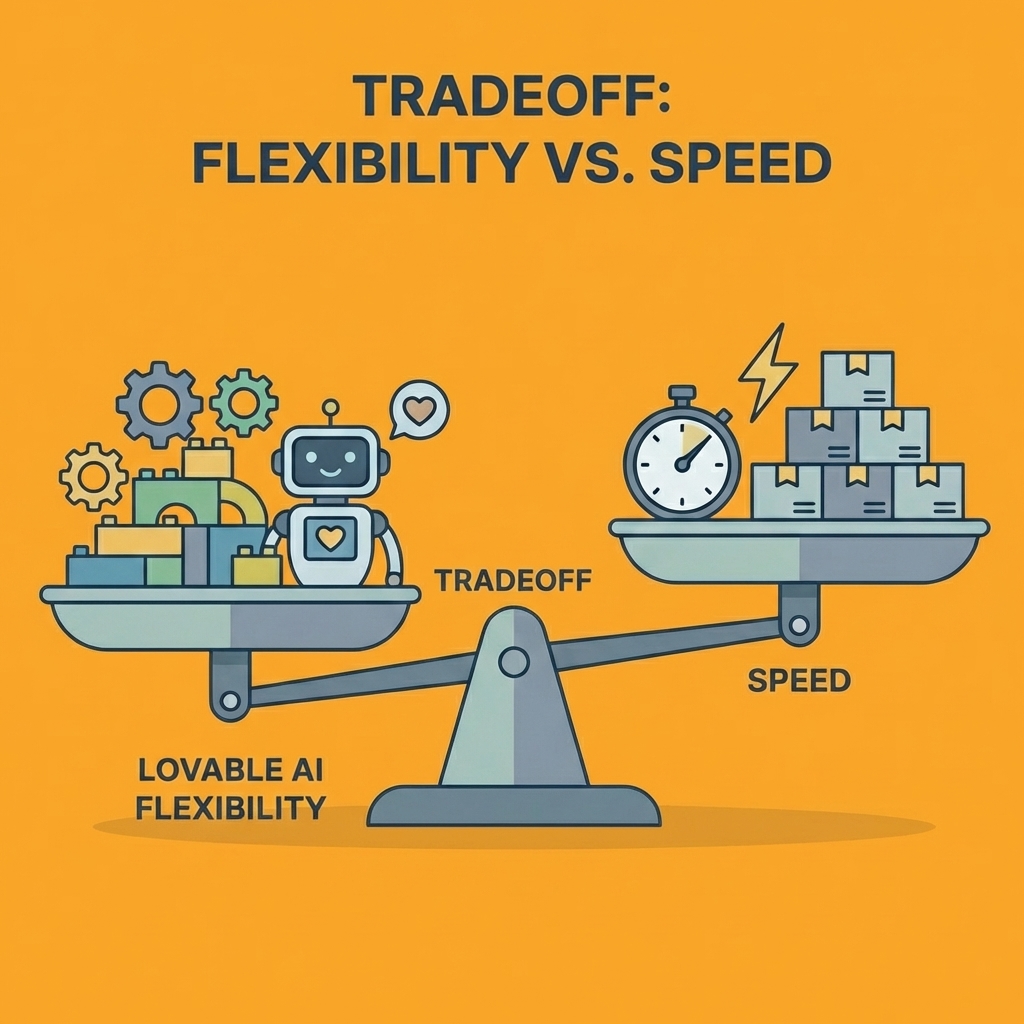
Key Point: Lovable AI transforms the traditional development process by removing the initial setup friction that typically consumes hours of a developer's time.
"The platform delivers working previews in minutes rather than hours, making it ideal for rapid prototyping and MVP validation."
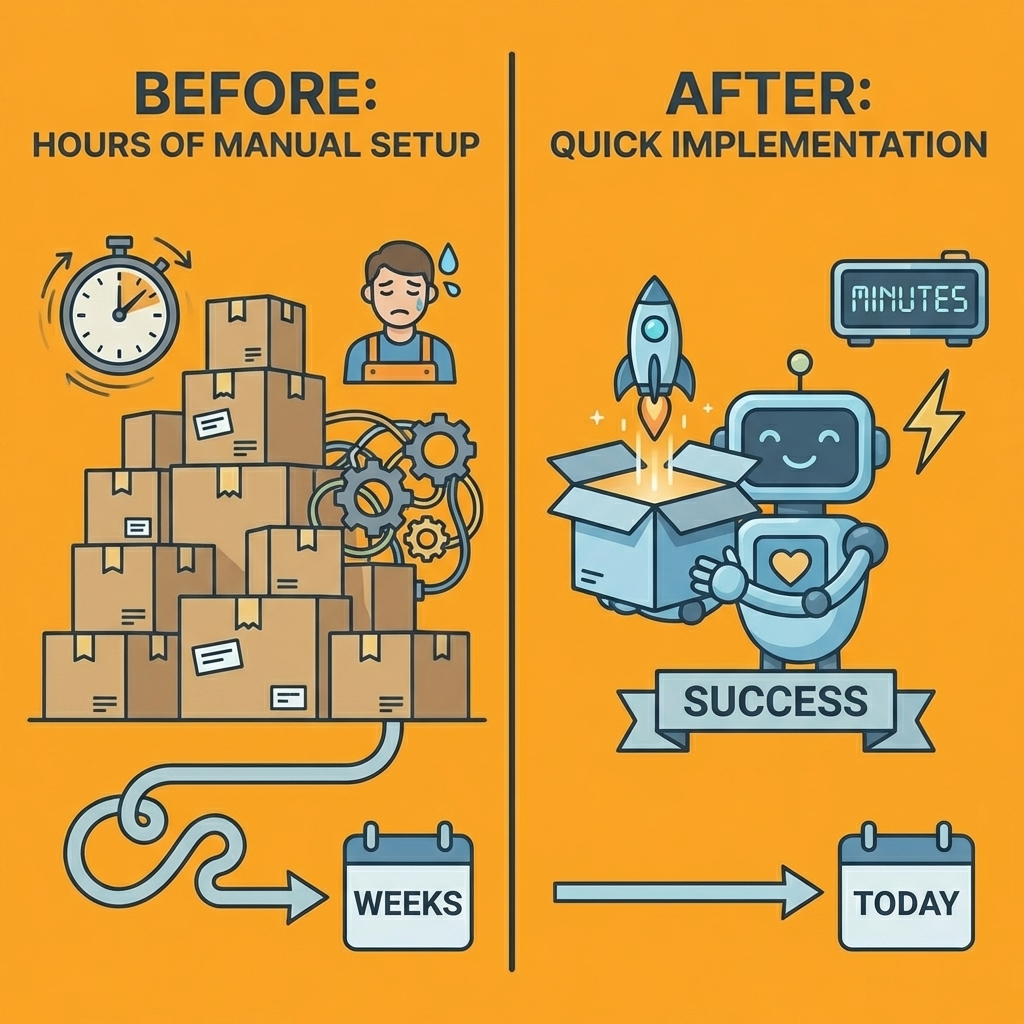
Tip: This approach works best when you need to validate ideas quickly rather than build highly customized solutions that require granular control over every implementation detail.
What makes the development momentum feel different?
The upside is momentum. You describe an idea, and within minutes, you have a full-stack application running in your browser. No boilerplate setup. No debating which state management library to use. No configuring build tools or deployment pipelines. The execution loop (build, tweak, ship) moves quickly because the tool makes technical decisions for you, reducing the cognitive overhead that slows early-stage development. When validating whether a concept works before investing weeks in custom architecture, this speed advantage outweighs the need for absolute control.
How does the live preview experience work in practice?
You describe your idea, and within minutes, you're looking at a live preview with React components, Supabase tables, and authentication flows already connected. For anyone who's spent hours setting up boilerplate or dealing with backend setup, it feels like a genuine shortcut.
The Initial Experience Faster Than Expected
The first time you use Lovable, the experience feels effortless. You type something like "Build a task management app with user roles and activity tracking," and the platform generates pages, routes, and database schemas without requiring configuration files. The live preview updates instantly, showing a functional interface styled with Tailwind. For freelancers building MVPs or startup founders under pressure to ship fast, this removes friction in early-stage development: you're working on features instead of fixing environment variables or reading documentation.
What happens when you need specific functionality?
The simplicity breaks down when you need specific features. Developers must monitor their credit spending while working on new features. One developer checked their credit balance "three or four times today" while working on a single feature.
The platform works well for standard CRUD operations, but custom logic or precise control over appearance requires iterative prompting: write, check results, make changes, use credits, repeat. Projects that seem inexpensive initially become costly as features accumulate, and AI fixes often break other components while solving one problem.
How reliable is Lovable 2.0's improved approach?
Lovable 2.0's Chat Mode shows a plan before applying changes and handles multi-step refactors more reliably. However, "more reliable" doesn't mean perfect. You must review each iteration carefully because AI-generated code can introduce wordy logic, inconsistent patterns, or unintended side effects).
Debugging unfamiliar code generated by LLMs requires understanding structures you didn't write. While the code is yours to export, maintaining it demands sufficient comprehension to modify it independently.
What does Lovable sacrifice for development speed?
Lovable trades detailed control for speed. It's not a visual UI builder or a replacement for custom backend designs. If you need pixel-perfect design or complex state management across a large application, you'll export to GitHub and continue in VS Code or Cursor.
Many teams use Lovable to generate the foundation, then move to specialized tools as the project matures. This hybrid workflow requires knowing when to stop iterating in Lovable and start coding manually.
When does Lovable work best for your project?
The platform works best when you know what you're building and can explain it clearly. Unclear prompts produce generic results, while detailed prompts with specific requirements produce better code but consume more credits and require additional refinement.
For internal dashboards, operational tools, or quick prototyping, Lovable is a strong fit. For highly custom applications or enterprise-scale systems, its limitations become apparent quickly.
Understanding whether these tradeoffs match your needs requires knowing who this tool serves best and what success looks like in practice.
Related Reading
- Softr Alternatives
- Replit Alternatives
- Appsheet Alternatives
- AI Tools For Product Managers
- Hire an App Developer
- Vs Code Alternatives
- Mobile App Ideas
Is Lovable AI Worth It? (And Who It's Actually For)
Lovable AI works well when the main problem is getting things done, not staying in control. If your ideas never turn into real products because going from concept to working code feels too hard, this tool removes that problem. If you need complete flexibility in how you build things or exact control over how everything looks, you might feel limited.

Key Point: Lovable AI is designed for speed and execution over granular control — it's perfect for rapid prototyping but may frustrate developers who need custom implementations.
"The biggest barrier to turning ideas into products isn't lack of vision — it's the technical execution gap between concept and working code."

Warning: If you're building enterprise-level applications that require specific architectural patterns or custom integrations, Lovable AI's streamlined approach might feel too restrictive for your needs.
Who benefits most from using Lovable AI?
Solo founders validating MVPs, startup teams racing against the runway, and product managers building internal tools see immediate benefits. Baytech Consulting's analysis of Loveable AI found an 80% reduction in development time for early-stage projects where speed outweighs perfect system design.
The speed boost improves when testing multiple ideas or implementing user feedback, but not when building systems that require real-world deployment and custom configuration.
Why do most builders struggle with zero users despite decent products?
Most builders create decent products that start with zero users, mistaking a lack of distribution channel for a lack of market demand. Building has become so easy that creating something is no longer enough. The gap between product creation and sales is why most AI builders never make money.
How should you approach vibe coding for business success?
You need distribution first, then use tools like Lovable to move faster within existing advantages: an audience, clients, domain knowledge, or a specific niche you understand deeply.
Treat vibe coding as a scalpel to execute faster, not as the business plan itself. The 1% who make money bring something to the table before the code is written. They test by building something quick—a dashboard in a day, a workflow automation for an existing client—and validate whether it sells before investing more. Platforms like AI app generator support this by functioning as an integrated development environment that adapts to any stack, framework, or language, letting you execute rapidly without locking into constrained ecosystems that limit monetisation or scaling.
How can you test if Lovable is right for your project?
Take one idea you've been sitting on and try to turn it into something real in 30 minutes using Lovable. If you finish a working prototype that demonstrates the main concept, it's a good fit. If you spend the time fighting limits, repeatedly changing how things look, or wishing you could access the underlying code, you need a different tool. The test isn't whether the output is ready for real customers—it's whether you moved from stuck to shipping.
What makes the right users choose Lovable?
The right users won't need convincing because Lovable removes their biggest problem: getting started. The friction isn't about coding ability anymore—it's the slowness of blank repositories, boilerplate setup, and decision fatigue about which libraries to use. When that disappears, you either ship or realize the idea wasn't worth building. Lovable AI isn't about doing everything; it's about making sure you finish something.
But finishing something fast only matters if you know what happens after the prototype ships.
When You're Ready to Go Beyond Prompts—and Actually Ship
The tools you keep using are the ones that help you finish things. Lovable AI removes friction between idea and prototype. But prototypes aren't products—the next bottleneck appears when you need something people can use.
Tip: The gap between prototype and product is where most AI projects die. Bridge it with tools that let you ship immediately.
That's where the AI app generator comes in. With Orchids, you're building actual apps (web, mobile, bots, scripts, extensions) that deploy instantly with custom domains. You bring your own LLM and API keys to control cost and performance. Our platform plugs into any stack: database, authentication, payments, whatever your architecture requires. No constraints. No forced ecosystems.
"The difference between playing with AI and building with it is whether you can ship."
This is turning ideas into something people can actually use. Once you reach that point, the shift is inevitable: from "this looks cool" to "this is live." The difference between playing with AI and building with it is whether you can ship.
Takeaway: Real AI success isn't measured in prototypes—it's measured in deployed applications that users can access and use.

Related Reading
Bilal Dhouib
Head of Growth @ Orchids