Top 14 AI App Builders to Turn Your App Idea Into Reality Fast
Brilliant app ideas often get stuck in the planning phase because traditional development seems too complex or expensive. AI app builders have eliminated these barriers by enabling anyone to create functional mobile and web applications without coding knowledge. These platforms handle the technical complexity while users focus on design and functionality. The result is faster development cycles and lower costs for entrepreneurs, small businesses, and creative professionals.
Modern AI app builders offer drag-and-drop interfaces, pre-built templates, and automated deployment features that streamline the entire development process. Users can quickly prototype ideas, test concepts with real users, and iterate based on feedback without hiring development teams. The best platforms balance simplicity with customization options, ensuring apps look professional and perform reliably. For creators ready to bring their concepts to life, Orchids' AI app generator provides the tools and support needed to build applications efficiently.
Table of Contents
- Why Building Apps Used to Be Hard
- How AI App Builders Work
- Top 14 AI App Builders to Try Today
- Turn Your App Idea into Reality in Hours — No Coding Needed
Summary
- The infrastructure setup that used to consume 70% of development time has shifted dramatically with AI app builders. According to research on the tech development landscape, teams historically spent the majority of their effort on repetitive plumbing tasks such as authentication systems, database configuration, and payment processing rather than building what made their product unique. AI app builders now automate these translation steps, with some platforms reducing coding time by up to 55% by handling the infrastructure decisions that previously required specialist knowledge.
- Non-technical builders now create production-ready applications at scale previously impossible without engineering teams. Retool's 2025 Builder Report found that 48% of non-engineers are building production-ready solutions independently, a fundamental shift from when even basic features like password reset flows required significant technical expertise. This democratization matters because it changes who can validate product ideas and reach users without the traditional barrier of hiring developers or spending months learning infrastructure.
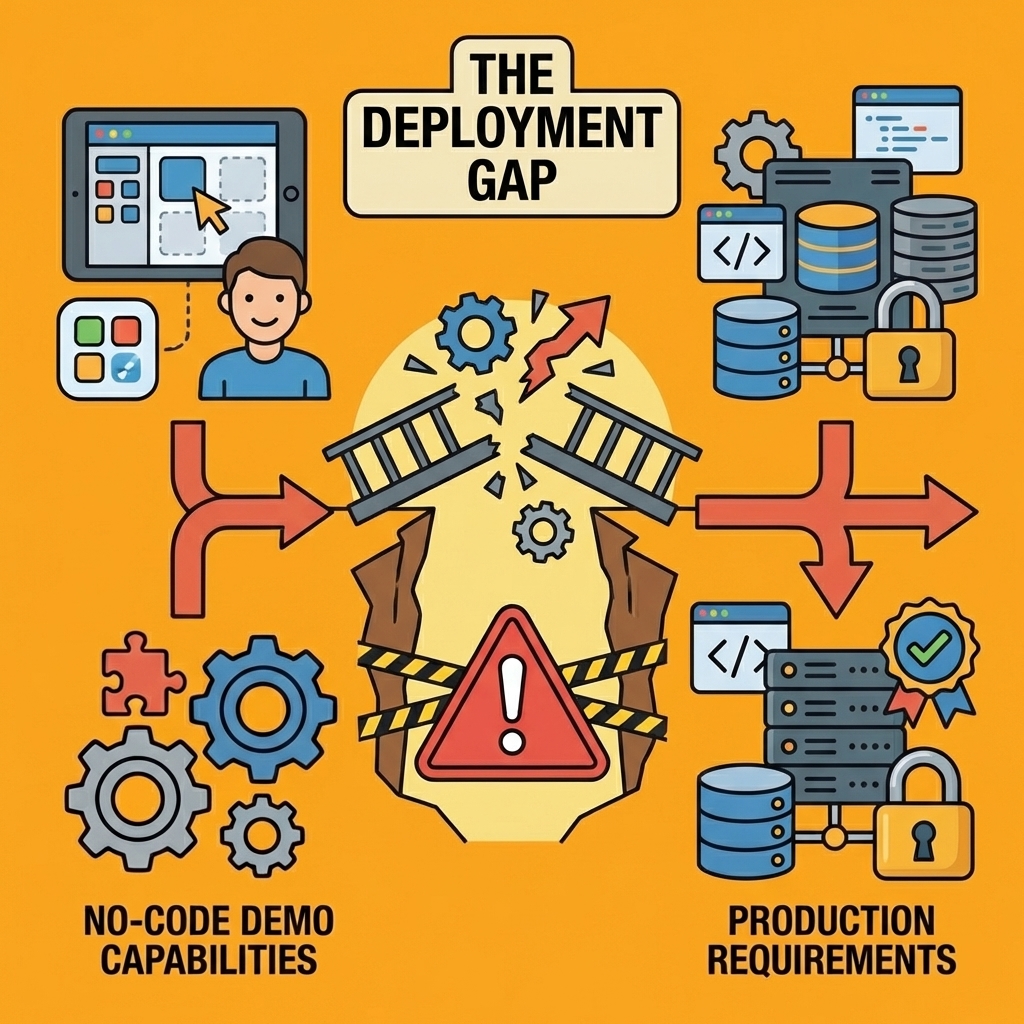
- The gap between functional prototypes and production-ready apps remains the critical filter for platform selection. Most AI-generated applications work perfectly in preview mode but break when real users introduce unexpected data formats, API latency, or edge cases that weren't considered during initial builds. Platforms distinguish themselves not by what they can generate in demos, but by whether that output survives contact with production complexity, such as failed payment retries, subscription changes across regions, or external service downtime.
- Early technical architecture decisions determine whether apps can scale beyond initial launch without complete rebuilds. Authentication systems that work fine for 100 beta users often break at 10,000, and database structures optimized for simple queries become painfully slow when users need filtering and sorting. The real cost isn't just the developer hours spent fixing these problems after launch, but also the erosion of user trust caused by bugs and the revenue lost during downtime while refactoring core systems under pressure.
- Code ownership and deployment flexibility matter more than feature breadth for teams building beyond prototypes. Platforms that lock users into proprietary technology stacks or force rebuilds when requirements evolve create long-term constraints that aren't visible during initial selection. The ability to export clean code, maintain control over databases and authentication providers, and deploy to your own infrastructure determines whether a tool remains viable as projects mature from MVP to a scaled product.
- AI app generator addresses this by letting teams build and deploy real applications with full-stack control while automating the infrastructure complexity that typically derails early-stage projects.
Why Building Apps Used to Be Hard
Most friction in app development came from foundational decisions made before coding: which server provider, database, authentication system, payment processor, file upload handler, and permission structure. Each choice had consequences that wouldn't surface until weeks later, and reversing them meant rebuilding from scratch. The actual coding was often straightforward once these questions were answered.
Key Point: The real challenge in app development isn't writing code—it's making the right architectural decisions upfront that won't come back to haunt you later.
"Each foundational choice had consequences that wouldn't show up until weeks later, and reversing them meant rebuilding from scratch."
| Decision Category | Impact Timeline | Reversal Cost |
|---|---|---|
| Server Provider | Immediate | High |
| Database Choice | Week 2-3 | Very High |
| Authentication | Week 1-2 | Medium |
| Payment System | Week 3-4 | High |
| File Uploads | Week 2 | Medium |
| Permissions | Week 4+ | Very High |
Warning: Making foundational decisions without understanding their long-term implications is the fastest way to end up rebuilding your entire app from the ground up.
What is the infrastructure tax that affects developers?
The Great Tech Reset: Why 2025 Is the Hardest—and Best—Time to Be a Developer found that 70% of development time was spent on infrastructure setup rather than building the product itself. Teams solve the same problems repeatedly instead of focusing on what differentiates their app.
Adding user authentication meant researching session management, password hashing standards, token expiration policies, account recovery flows, and security best practices, then building, testing, and maintaining it as standards evolved.
How does infrastructure complexity delay product validation?
This accumulated weight created a barrier unrelated to product viability. Small teams faced a choice: spend months learning infrastructure or spend thousands hiring someone who already knew it. Both delayed the only question that mattered: will people use this?
When "Simple" Meant Weeks of Work
Features that seem basic from a user's perspective once required significant engineering effort. A "forgot password" link meant building email delivery systems, generating secure reset tokens, handling expiration logic, and preventing abuse through rate limiting. File uploads require choosing storage providers, implementing security checks, managing file size limits, handling different formats, and building progress indicators.
According to Retool's 2025 Builder Report, 48% of non-engineers are now building production-ready solutions independently—a shift that would have been nearly impossible a decade ago when these features demanded specialist knowledge. The gap between what founders wanted to build and what they could accomplish without technical co-founders spawned an entire industry of agencies charging $50,000+ for functionally basic MVPs.
What are the real costs when technical decisions go wrong?
The real cost wasn't the time spent building. Early technical choices became expensive as the company scaled: an authentication system that worked for 100 beta users broke at 10,000 users, and a database structure optimised for simple queries slowed when filtering and sorting were added.
Payment flows failed in real conditions: partial refunds, subscription changes, failed payment retries, and multi-region tax calculations exposed edge cases that testing never caught.
How do post-launch fixes compound the problem?
Fixing these problems after launch meant refactoring under pressure while users experienced issues. Teams rewrote core systems multiple times because initial approaches couldn't handle the complexity of real-world scenarios.
The cost extended beyond developer hours to include lost user trust, revenue lost during downtime, and missed opportunities that a better initial design would have prevented.
But here's what most people miss: the difficulty wasn't spread evenly across all app types.
Related Reading
How AI App Builders Work
AI app builders interpret natural language prompts and generate the underlying structure, logic, and interfaces needed to make them work. You describe your goal in plain terms ("build a customer feedback tool that sends weekly summary emails"), and the system translates that intent into database schemas, UI components, workflow triggers, and API integrations. The output is working code that processes data, responds to user actions, and connects with external services.
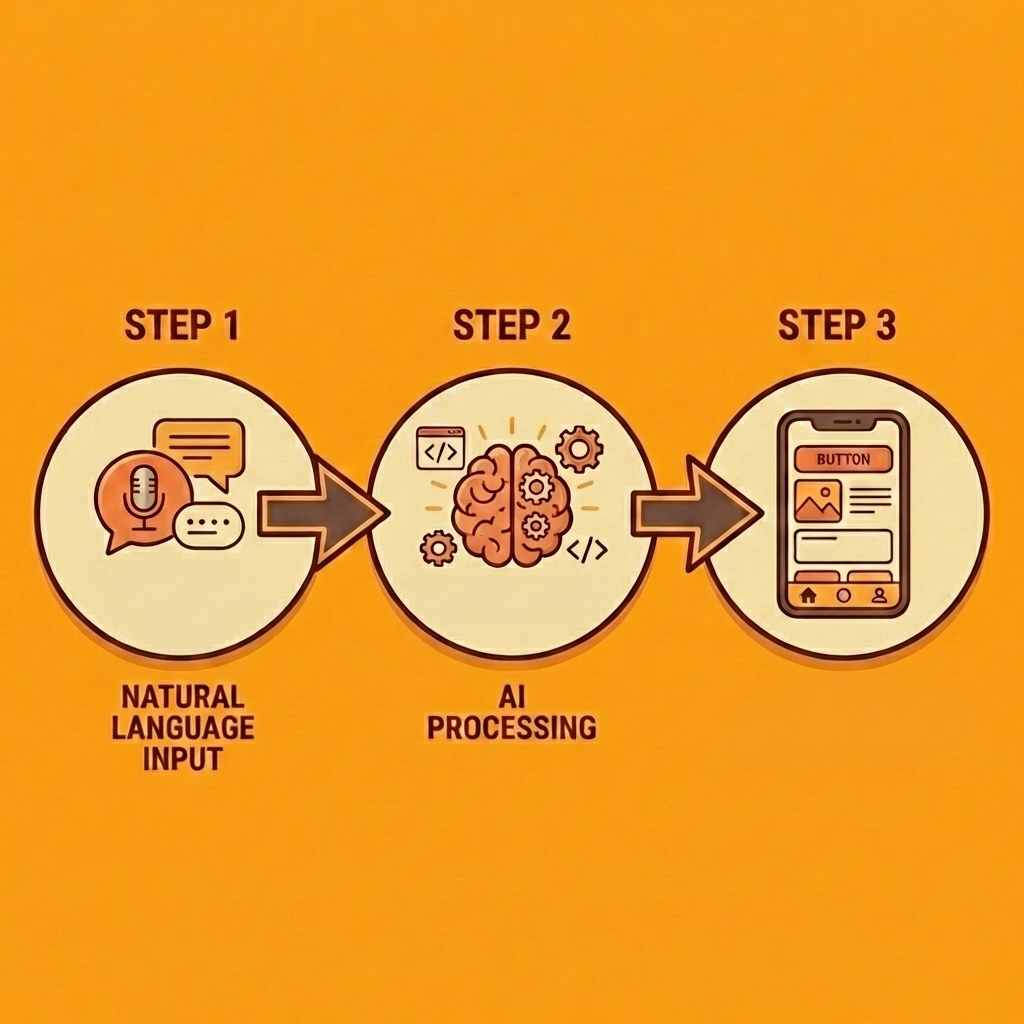
Key Point: The real power of AI app builders lies in their ability to bridge the gap between human intent and technical implementation without requiring traditional coding skills.
"AI-powered development platforms can reduce application development time by up to 70% while maintaining professional-grade functionality." — Gartner Research, 2024
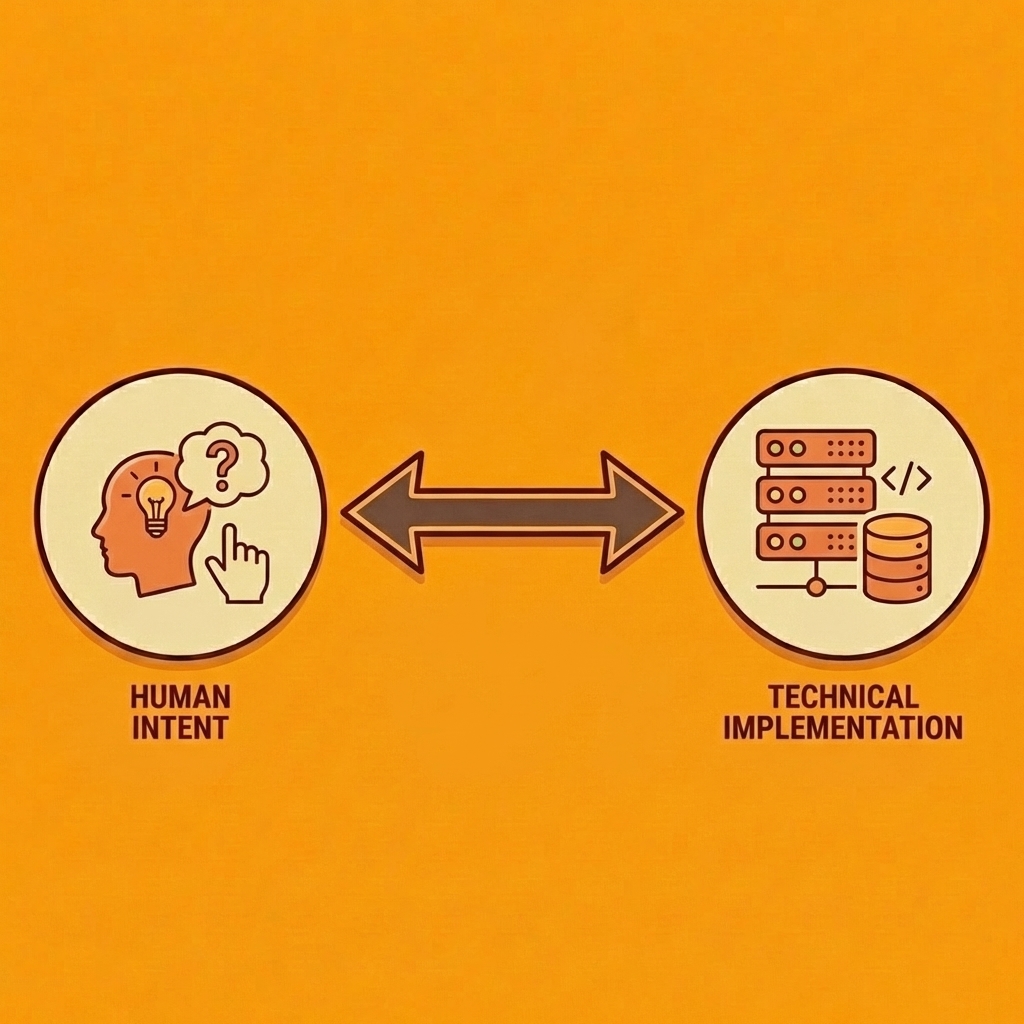
Tip: When describing your app to an AI builder, be specific about user workflows and desired outcomes rather than technical specifications - the AI handles the technical translation automatically.
How does this approach change development workflows?
This approach removes the infrastructure tax that used to consume 70% of development time. Instead of researching authentication providers, setting up email delivery systems, or fixing API rate limits, you say what the app should do and let the AI handle the details. This changes who can build working software: non-technical founders can now create tools that would have needed a development team before, and experienced developers can build prototypes in hours instead of weeks.
How does natural language get converted into working code?
When you type "alert me when inventory drops below 50 units," the system understands your request, extracts the key information (inventory items, quantity thresholds), creates the necessary database tables, establishes conditional logic) (quantity < 50), and enables notifications. According to Softura's 2025 AI development research, AI can cut coding time by up to 55%, primarily through automating these translation steps.
How do modern platforms understand complex app requirements?
Modern platforms learn from millions of app patterns, recognising that "customer portal" means user authentication, role-based permissions, and secure data access. They generate complete implementations with security considerations, error handling, and edge-case management built in, rather than the generic structures that early systems produced.
How do AI systems analyze and construct optimized layouts?
AI-generated interfaces analyse what data your app handles, how users interact with it, and what actions they need to complete, then build layouts optimised for those workflows. A project management tool receives task lists, status filters, and timeline views. An approval system receives submission forms, review queues, and audit trails. The design serves the function rather than forcing the function into predefined layouts.
Why does adaptability matter when requirements change?
This matters when requirements change. Traditional builders lock you into structural decisions made during initial setup, whereas AI systems can regenerate interfaces and logic when you describe new requirements, preserving existing data while adapting the structure. This flexibility compounds as your needs evolve.
Why do most app integrations fail due to hidden complexity?
Most apps fail because connecting to external systems introduces unexpected complexity. Payment processing requires webhook handlers for failed transactions. Email delivery needs bounce management and unsubscribe handling. File storage demands security policies and access controls. Each integration is a cluster of technical requirements disguised as a single feature.
How do AI builders automatically handle the complexity of integration?
Teams building internal tools discover this when connecting to existing databases or APIs. What should be a simple data sync becomes a project involving authentication protocols, rate limiting, error recovery, and data transformation. Our AI app builders, which support any language and framework, handle these integration patterns automatically, generating the connection logic, error handling, and data mapping needed to make external services work reliably within your application.
The real test isn't whether an AI builder can create a functional app, but whether that app handles production complexity without breaking when users behave unpredictably, data arrives in unexpected formats, or external services experience downtime.
Related Reading
- Hire an App Developer
- Vs Code Alternatives
- Mobile App Ideas
- AI Tools For Product Managers
- Softr Alternatives
- Appsheet Alternatives
- Replit Alternatives
Top 14 AI App Builders to Try Today
The platforms below represent different approaches to AI-assisted development, each optimized for specific workflows and user types. Some excel at rapid prototyping, others at production-grade backends, and a few bridge the gap between no-code simplicity and full code ownership. The right choice depends on how closely a tool's structure matches your workflow: whether you're testing an idea fast, handing off to engineers, or shipping directly to customers.
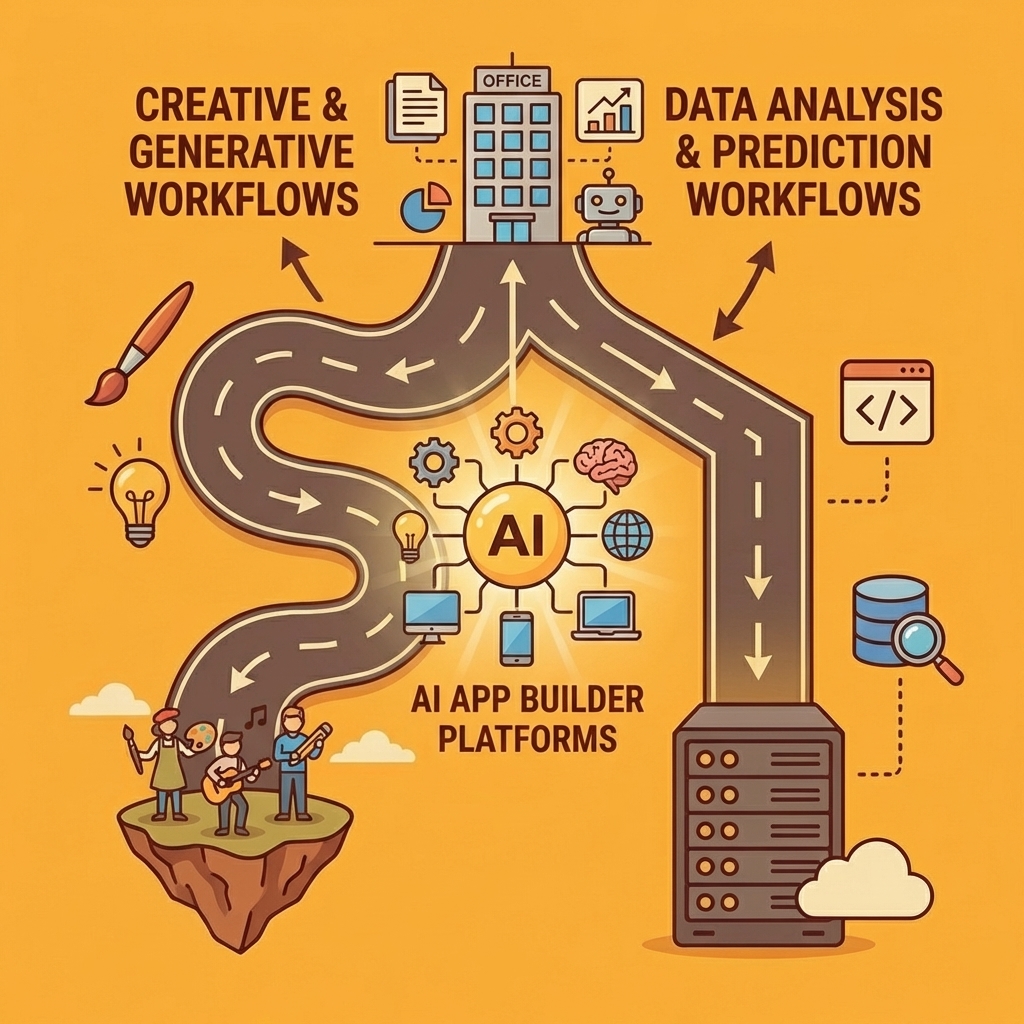
According to Zapier's 2026 analysis, the best AI app builders stand out by how well generated output works with real users, unexpected data, and production constraints. The platforms that matter are the ones where "works in preview" means "works when deployed."
1. Orchids
Orchids treats AI app generation as a complete problem from start to finish. Our platform lets you build web apps, mobile apps, scripts, browser extensions, or backend services in any language or framework without vendor lock-in. Bring your own LLM and API keys to control costs, connect any database or authentication system, and deploy as you choose.
Start by describing what you want to build. Orchids generates working code, handles UI and copy changes without slowing you down, and lets you import existing projects. Deploy to your own Vercel account or claim your database directly. Security audits are built into the process.
Ideal for
Developers and teams want flexibility without sacrificing speed. Founders who need to make rapid changes without rebuilding when requirements shift.
Key strengths
Support for any stack and app type with no template or architecture constraints. Ranked #1 on both App Bench and UI Bench for handling real-world application complexity and interface quality.
Getting the most out of it
Start with a small feature set and expand as you validate the core idea. Connect existing APIs early to test integration points. Use AI-assisted QA to catch edge cases in testing.
2. Figma Make
Figma Make turns design frames into interactive prototypes without requiring a developer background. You select an existing layout or create your own, then describe what the app should do in plain language. The platform generates a working prototype you can test, modify, and share.
Move from static mockups to production through an MCP server that maintains design context as you code, or export to a GitHub repository to begin building backend logic.
Ideal for
Teams that build apps without code and design teams that want to test ideas without switching tools.
Key strengths
Natural language prompting creates layouts and flows. The visual builder lets you customise appearance and functionality, with a code editor for fine-tuning. Live testing uses real user information to demonstrate app performance before launch.
Getting the most out of it
Use existing frames as starting points to save setup time. Export code early to avoid rework if you need custom logic later. Test with real user data instead of fake content to uncover genuine usability problems.
3. Replit
Replit provides an integrated development environment powered by AI tools, letting you create prototypes and publish full-stack apps directly in your browser. The platform uses a credit-based model, so you pay for what you use rather than a fixed subscription fee.
AI features handle everything from writing backend code to generating UI components and debugging in real time. You build, test, and launch in the same workspace. Paid plans scale with usage and unlock private app development plus advanced AI capabilities.
Ideal for
You need minimal coding experience to get started, though developers can hand-code advanced interfaces.
Key strengths
AI coding agents suggest completions and debug issues as you work. The in-browser IDE includes image generation and additional tools on paid plans. The credit-based payment model lets you scale usage without waste.
Getting the most out of it
Start with public projects on the free tier to test functionality before upgrading. Use the AI agent for basic code while you focus on custom logic. Import from Figma to accelerate frontend development.
4. Lovable
Lovable creates the frontend, backend, and database simultaneously using natural language prompts to handle user login and data connections. If you have a Figma design, paste the URL directly to build the app: the platform reads your layers and styles to generate a working version in React and Supabase.
One-click deployment to Netlify and automatic GitHub syncing mean you own the code and can switch to custom development whenever needed.
Ideal for
Full-stack MVP development, particularly for SaaS products or internal tools with databases.
Key strengths
Full-stack automation builds the entire architecture, including database tables and backend logic. Figma-to-code sync uses your designs as the visual starting point. Logic-based prompting lets you add features such as "create a login page" via text requests.
Getting the most out of it
Start with a clear data model before requesting features. Use Figma imports to reduce frontend work, then focus on backend logic. Sync to GitHub early so your team can review and modify code as the project evolves.
5. FlutterFlow
FlutterFlow creates native mobile apps with pixel-perfect UI. AI features generate UI components, full screens, and functional logic from a single prompt. The platform suits teams building complex apps that require clean code export, app store publishing, or customization beyond visual editing.
Start with drag-and-drop templates and add features using integrated AI, external APIs, or developer-written code. The intelligent image analysis feature lets you upload a UI screenshot, and FlutterFlow recreates it in your workspace.
Ideal for
Low-code development for complex apps, particularly native mobile apps and marketplaces.
Key strengths
Prompt-based component creation generates interface elements and screens you can refine visually. API integrations connect apps to external data sources and third-party services. Higher-tier plans offer one-click publishing to app stores and code export for external development.
Getting the most out of it
Bring in Figma themes to keep your design consistent across all touchpoints. Use API integrations early to verify your data flows work correctly before building the user interface. Export code for custom features that exceed the visual builder's capabilities.
6. Softr
Softr turns spreadsheets and databases into interactive apps without coding. Whether you're working from Airtable, Notion, or Google Sheets, the platform uses ready-made templates and drag-and-drop blocks to create client portals, directories, and internal tools with minimal setup.
It works well when speed and simplicity matter more than perfect design. Pricing increases with the number of users your app can support, with higher tiers including more AI credits and connections to additional data sources.
Ideal for
Creating apps from spreadsheets, particularly membership platforms and client portals.
Key strengths
Connect to Airtable, Notion, Google Sheets, and more to power your app's content and logic. A built-in AI assistant answers questions and reads app data for real-time analysis. Over 100 pre-built blocks help you quickly structure responsive, functional apps.
Getting the most out of it
Start with a well-organized spreadsheet to avoid having to restructure later. Use pre-built blocks to prototype quickly, then customize only where necessary. Test with real user data early to validate workflows.
7. Bubble
Bubble uses a visual programming model to create web applications with advanced logic, database connections, plugins, and integrations without writing code. It's built for scalability, making it ideal for teams building SaaS products, marketplaces, and internal platforms requiring more customization than typical no-code tools.
The interface is beginner-friendly, though complexity increases with more complex logic or larger user bases. Hosting costs scale with traffic and app complexity, so plan for significant growth.
Ideal for
Creating scalable apps, particularly SaaS products and complex web applications.
Key strengths
A visual editor with a flexible drag-and-drop builder and responsive layout controls. Built-in features like location services and push notifications require no additional coding. Live testing through BubbleGo lets you preview app performance and user experience before launch.
Getting the most out of it
Learn how the visual programming model works before building production apps. Use plugins to add new features rather than building common features from scratch. Monitor hosting costs as your app scales.
8. Anything
Anything (formerly Create.xyz) uses AI to turn text prompts into working code. You describe the structure or functionality you want, and the platform deploys multiple AI models, such as ChatGPT and Claude, to generate results.
It works best for prototyping when speed matters more than polish, and it's helpful for testing internal tools or simple workflows, though some features are still evolving.
Ideal for
Creating and customizing code, especially internal tools and automation scripts.
Key strengths
Text-to-app creation uses the latest AI models to generate editable code from language prompts. Our component library provides hundreds of ready-made UI components to streamline app creation. Code access lets you view and export the generated code for further development.
Getting the most out of it
Use it for quick testing of ideas rather than live apps with many users. Export your code early if you plan to build custom development.
9. Bolt
Bolt's main strength is its ability to quickly create a shareable prototype. When Bolt Cloud launched in 2025, it added native hosting, databases, user authentication, and SEO configuration. Previously, Bolt only generated frontends that deployed through Netlify without native database or authentication support.
Bolt works well for quick testing and stakeholder feedback. However, as of March 2026, Bolt Cloud lacks independent security certifications, service-level agreements, and publicly available compliance documents for its native features. Founders planning production applications for paying customers should verify that Bolt Cloud's backend meets their maturity requirements before committing to it.
Ideal for
Teams presenting ideas quickly, particularly for stakeholder validation.
Key strengths
Rapid prototyping delivers demos to stakeholders quickly. Bolt Cloud added native hosting, databases, and authentication in mid-2025, with built-in options for private and public sharing.
Getting the most out of it
Use it for validation and early-stage demos, not production apps. Check backend maturity if you plan to serve paying customers. Share prototypes privately to gather feedback before going public.
10. V0 by Vercel
V0 by Vercel creates production-quality React and Next.js code using shadcn/ui and Tailwind CSS. Launched as a UI component generator in October 2023, it rebranded to v0.app in January 2026 and expanded to include full-stack workflows. However, it "still leans heavily toward UI generation" according to TechRadar's testing.
Engineers receive V0-generated code through CLI, pull requests, or scaffolded projects. Automated security scanning checks every generation for exposed environment variables, insecure API calls, and improper authentication patterns.
Ideal for
Product teams that pass work to engineers, particularly those building on Next.js.
Key strengths
Production-quality React and Next.js code generation. Automated security scanning catches vulnerabilities before code review. CLI, pull request, and scaffolded project exports facilitate smooth engineering transitions.
Getting the most out of it
Use it for frontend development, then pass the work to engineers for backend logic. Leverage automated security scanning to catch issues before code review. Integrate it with existing Next.js projects to maintain consistency.
11. Cursor
Cursor is a VS Code fork with AI built into its core design. It works with multiple advanced AI models and enables you to understand code across your entire repository, edit multiple files simultaneously, and use an autonomous Agent Mode that writes, tests, and debugs code on your computer.
Ideal for
Developers who want AI help within their current coding workflow.
Key strengths
Repository-wide code understanding maintains context across large projects. Multi-file editing handles simultaneous changes across multiple files. Autonomous Agent Mode writes, tests, and debugs code in your local environment.
Getting the most out of it
Use Agent Mode for repetitive tasks like writing tests or improving code. Integrate it with your existing VS Code setup to maintain your current workflow.
12. NxCode
NxCode runs backend logic through real code execution in isolated Docker containers, installing real packages and building the same way production does. This makes production behavior predictable rather than simulating execution in a browser sandbox.
The workflow starts with a plain-language description. The Conductor agent acts as a product manager, asking clarifying questions and breaking your idea into tasks with clear acceptance criteria. Once the plan is locked, the Virtuoso agent starts a container, generates backend services, wires up authentication, manages database migrations, and handles dependencies automatically.
Ideal for
Founders and builders who need serious backend logic, APIs, and databases without managing servers or writing boilerplate code.
Key strengths
Real code execution in Docker containers ensures predictable production behaviour. A conductor agent breaks ideas into tasks with clear acceptance criteria before building. Virtuoso agent handles backend services, authentication, and database migrations automatically. Pro plans let you export the full project code, and creators keep 70% of all generated revenue.
Getting the most out of it
Use free planning tools, such as database schema designers, to map ideas before building. Start with clear acceptance criteria to prevent feature conflicts. Monitor project credits on Lite plans to avoid exhausting them mid-build.
13. Bolt.new
Bolt.new sits between no-code and full-code visibility. You work in a visual interface while agents like Claude Code and OpenAI models handle execution. Click UI elements to request changes via chat, or drop into code view for manual edits. The platform tests changes, refactors code, and handles publishing with built-in hosting and live URLs. API keys, environment variables, and Supabase connections are managed centrally.
Ideal for
Founders, product teams, and developers shipping real apps fast without sacrificing codebase visibility or control.
Key strengths
Strong context handling for complex builds. Built-in hosting with private and public sharing. Click-to-edit UI elements alongside direct access to code. Two-way GitHub sync for professional code management. Bolt V2 includes chat-based image editing and flexible AI model selection.
Getting the most out of it
Use chat for quick changes and code view for precise edits. Test privately before sharing publicly. Sync to GitHub regularly to maintain version control.
14. OpenAI Agent Builder
OpenAI Agent Builder gives you clear control over how agents think, send data where it needs to go, and take action—superior to prompt-only tools for multi-step workflows. Instead of asking an AI to "figure it out" via text, you set up the logic clearly on a visual canvas, where each step is a node, and each decision point is visible.
Agents remember things across runs, such as a user's name, preferences, or prior actions, and adjust behaviour over time. Guardrail nodes live directly in the flow, checking content for safety, hallucinations, or policy issues before it reaches downstream steps. You can ship directly using ChatKit for a managed chat experience, or export the workflow via the Agents SDK and run it on your own infrastructure.
Ideal for
Teams designing complex agent flows, customer-facing AI experiences, or internal automations requiring structure, safety, and observability.
Key strengths
Native state persistence across runs, strong safety controls with dedicated guardrail nodes, and built-in evaluators and graders for testing agents.
Turn Your App Idea into Reality in Hours — No Coding Needed
Choosing the right platform means finding one that bridges the gap between "this looks promising" and "this shipped my product,"—where most projects stall. Some tools force you into templates that break when your app needs custom logic. Others give you full code ownership but assume you understand deployment pipelines.
Key Point: The difference between a successful app and an abandoned project often comes down to platform choice and production readiness.
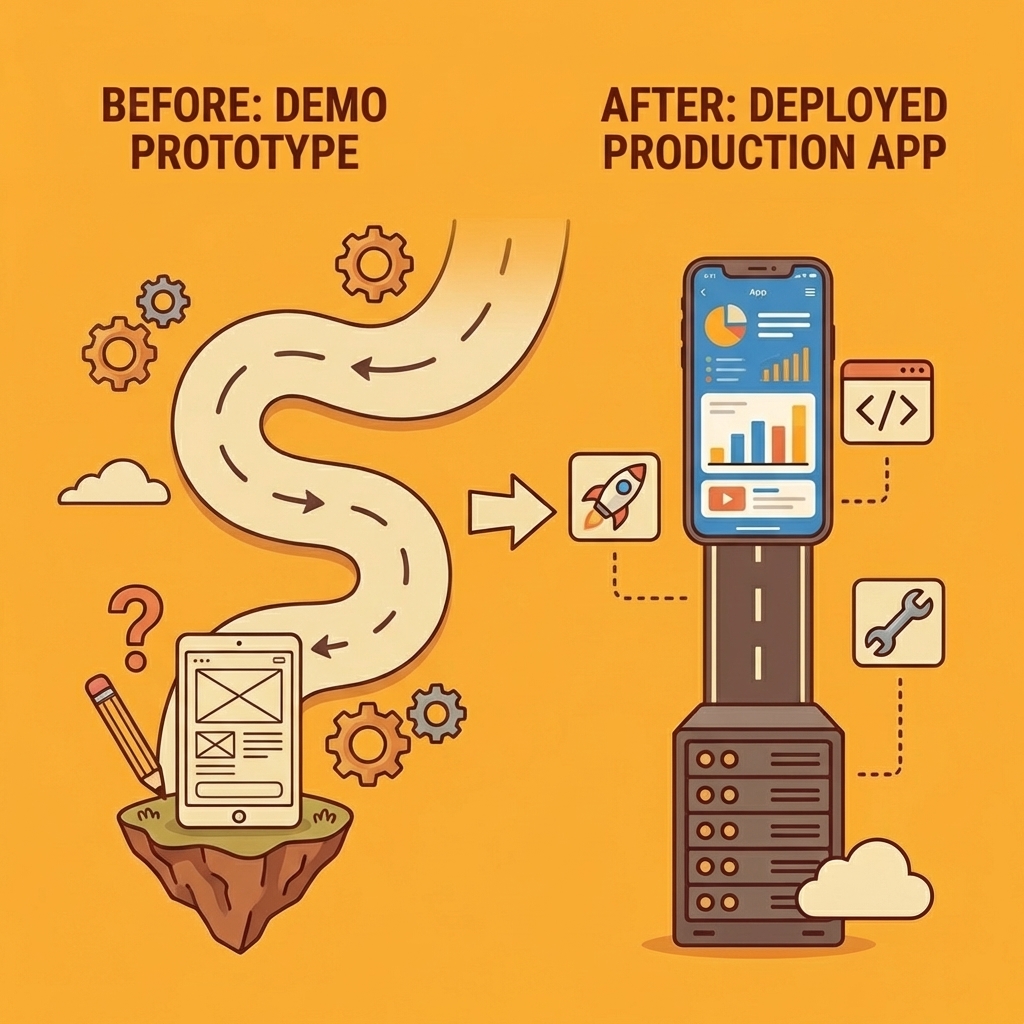
Platforms that survive production use remove friction at the exact points where teams quit: connecting a real database, fixing authentication in testing, and deploying without setting up unfamiliar servers. Speed matters only if what you build fast works when users touch it.
"The difference between a demo and a deployed app is whether the system anticipated problems that surface only under real conditions."
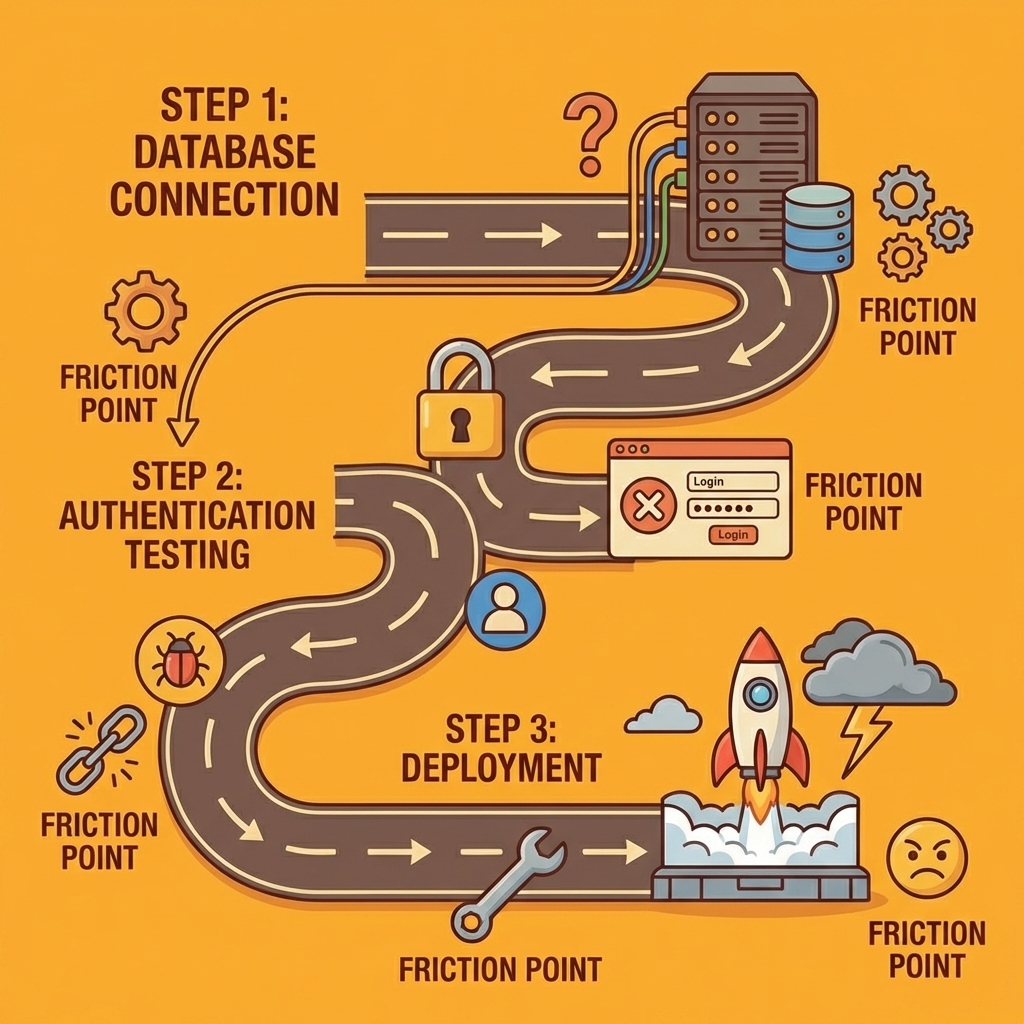
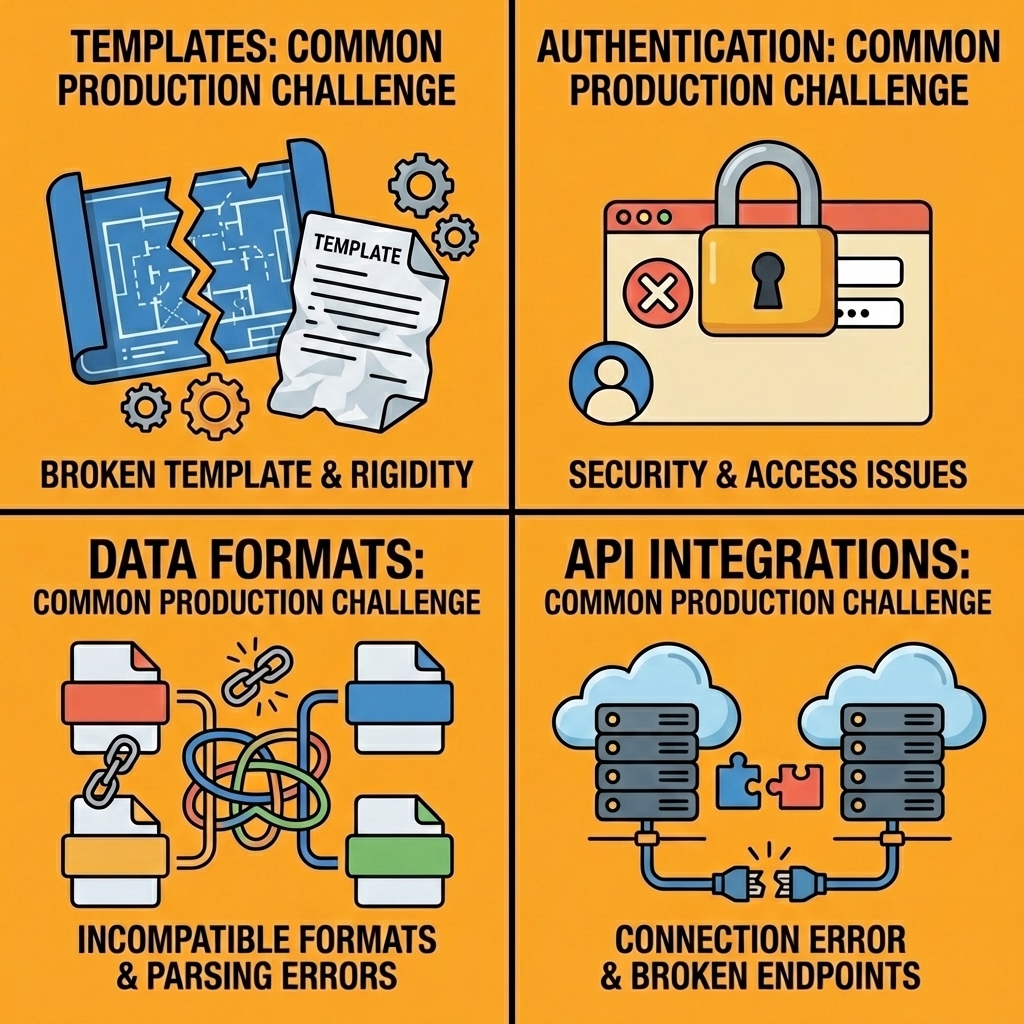
Teams building internal tools discover this when moving prototypes to production. What works in preview mode breaks when real data arrives in unexpected formats or when external APIs introduce latency. The difference between a demo and a deployed app is whether the system anticipates problems that only surface in real conditions.
| Challenge | Impact | Solution Needed |
|---|---|---|
| Template limitations | Custom logic breaks | Flexible architecture |
| Authentication issues | Testing failures | Built-in auth systems |
| Deployment complexity | Projects abandoned | One-click deployment |
| Database connection | Data integration fails | Real database support |
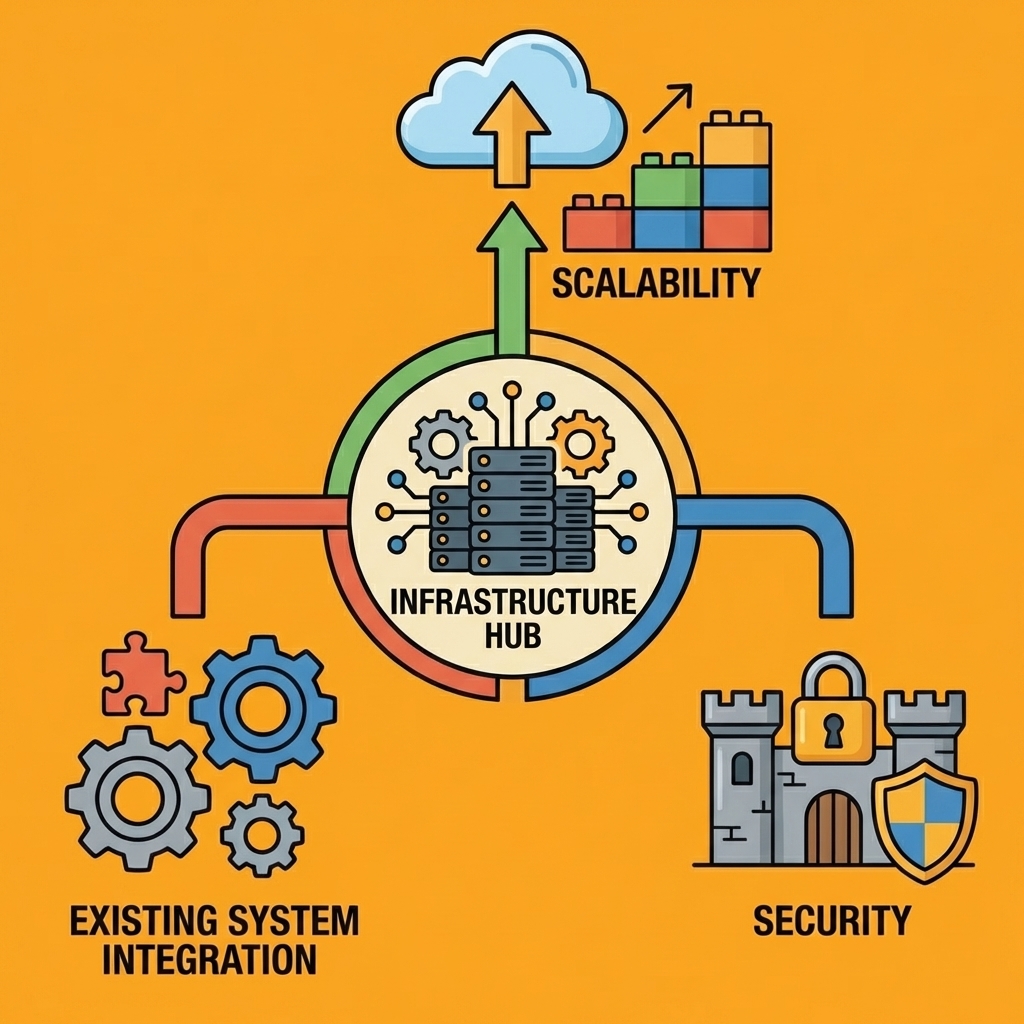
Infrastructure decisions made early determine whether your app can scale, stay secure, and integrate with existing systems. Platforms that abstract everything away leave you stuck when you need control, while those that expose every detail overwhelm you with choices before you've validated the idea.
Warning: Many no-code platforms work great for demos but fail when you need real-world integrations, custom authentication, or scalable infrastructure.
AI app generator handles the messy middle: testing, integration, and updates. Our platform lets you vibe-code and deploy real apps (not templates), build anything from web apps to mobile tools to bots, bring your own LLM and API keys to control costs, and connect your preferred database, authentication, and payment systems. Deploy instantly to your own domain or Vercel without rebuilding when requirements change.
Build your first app for free with Orchids and see how quickly your ideas come to life.
Related Reading
Bilal Dhouib
Head of Growth @ Orchids