21 Popular Appsheet Alternatives for Building No-Code Apps
Teams outgrowing spreadsheets need real applications to manage workflows, track inventory, and streamline customer interactions. AppSheet offers a no-code solution, but its pricing structure and customization limitations may not align with every organization's requirements. Many businesses seek alternatives that provide greater flexibility, better integration options, or more cost-effective pricing models.
The right no-code platform should accelerate application development without requiring extensive technical expertise. Rather than spending hours configuring components and database connections, teams benefit from solutions that streamline the entire build process. For the fastest path from concept to working application, consider Orchids's AI app generator that transforms simple descriptions into functional apps.
Table of Contents
- Why Teams Start Looking for AppSheet Alternatives
- What to Look for in an AppSheet Alternative
- 21 Popular AppSheet Alternatives for Building No-Code Apps
- Hit the Limits of AppSheet? Build Your First App for Free
Summary
- AppSheet's spreadsheet foundation works well initially but creates performance bottlenecks as applications scale. Teams frequently cite performance issues with large datasets as a primary reason for exploring alternatives. Apps that load instantly with 500 rows start crawling with 5,000 records, causing timeouts during peak usage and user complaints about lag.
- Teams switching to database-backed platforms achieve 70% faster app development once they escape spreadsheet constraints. The difference shows up first in performance, then in what becomes possible. Proper database architecture enables filtered views across multiple tables, automated data transformations, and conditional workflows that would crash a Google Sheet.
- Per-user pricing creates unexpected budget pressure as teams grow. A ten-person team paying $20 per user monthly spends $200, but scaling to 200 users drives that same app to $4,000 monthly with no additional value delivered. Understanding cost structure at 5x your current user count prevents budget surprises when success means expansion.
- Integration capabilities determine whether platforms adapt to changing business needs. The test isn't whether a tool integrates with your current stack; it's whether you can connect to the specialized system your finance team adopts next quarter or the industry-specific platform a new client requires. Rigid integration frameworks force you to reshape workflows around platform limitations rather than business logic.
- Most teams don't leave AppSheet because it failed. They leave because their needs outgrew what a spreadsheet-based platform was designed to handle. The platforms worth considering don't force you to choose between ease of use and long-term capability as your application grows.
- AI app generator addresses this by letting teams build across any stack and framework while maintaining conversation-based speed, supporting full customization when precision matters, without locking you into preset templates.
Why Teams Start Looking for AppSheet Alternatives
AppSheet earns trust through simplicity: connect a Google Sheet, define columns, and you have a working app. This speed matters initially, but the simplicity that lets you win quickly becomes a limit as your needs grow.
Key Point: The ease of setup that makes AppSheet attractive initially can become its biggest limitation as your business requirements become more complex.
"AppSheet's strength in rapid prototyping often becomes a weakness when teams need advanced functionality and custom integrations." — Enterprise App Development Report, 2024

Warning: What starts as a quick solution can turn into a development bottleneck when you need features beyond basic data collection and simple workflows.
When the Spreadsheet Model Stops Scaling
The spreadsheet foundation works well for small datasets and straightforward workflows. As your app grows—more users, records, and conditional logic—performance degrades. According to Noloco Blog, teams cite performance issues with large datasets as a primary reason for exploring alternatives. What loaded instantly with 500 rows now moves slowly with 5,000, and peak usage causes timeouts.
The UI Customization Wall
AppSheet provides templates and themes, but customising beyond those options is difficult. You cannot easily match your brand's design system, and building a polished customer interface requires more control than AppSheet's visual editor offers. Teams often discover this limitation after committing to the platform, when redesigning demands rebuilding from scratch.
Integration Gaps That Surface Late
Google Workspace integration works well, but connecting to outside APIs, syncing with specialized tools, or building complex multi-system workflows reveals AppSheet's integration limits. Adalo notes that restricted integrations for complex workflows drive many teams toward more flexible platforms. Gaps remain, particularly for enterprise systems or niche software stacks.
The Pricing Surprise
AppSheet's pricing structure seems reasonable until usage grows. More users, app complexity, and automation runs increase costs faster than expected. The per-user model that seems fair at 10 employees becomes expensive at 50 and prohibitive at 500.
Most teams don't leave AppSheet because it didn't work for them. They leave because their needs grew beyond what a spreadsheet-based platform was designed to handle.
Related Reading
What to Look for in an AppSheet Alternative
Figure out what went wrong before exploring alternatives. If AppSheet's design choices made building your app difficult, focus on finding more ways to customise its appearance. If costs increase with the number of users, consider a different pricing model. If the app ran slowly when handling large datasets, focus on improving the database architecture. Every platform prioritises different aspects.

Key Point: Don't jump to a new platform without understanding exactly why AppSheet didn't work for your specific use case.
"Every platform makes different choices about what matters most - understanding your specific pain points is essential for choosing the right alternative."

Warning: Switching platforms without addressing the root cause of your issues often leads to repeating the same problems elsewhere.
Why does spreadsheet logic break down with complex data?
Spreadsheet-based platforms feel easy to use because everyone understands rows and columns. That simplicity becomes a problem when you need relational data, complex queries, or real-time updates across multiple tables.
A team managing equipment maintenance might start with a simple asset list, but once they need to track repair history, vendor relationships, warranty periods, and maintenance schedules simultaneously, spreadsheet logic breaks down. Platforms that support PostgreSQL, MySQL, or other relational databases handle these relationships naturally, without forcing you to build workarounds that slow performance and complicate updates.
How do platforms handle scaling beyond basic tables?
The difference matters more as data grows. According to Jotform's comparison of 14 alternatives, platforms handle scaling beyond basic tables differently.
Some save data in memory aggressively but limit search flexibility. Others prioritise real-time accuracy over speed. Test how candidates perform under load before committing to your workflows.
Why does customization matter for external apps?
Internal apps work fine with basic interfaces because users prioritize functionality over aesthetics. Customer-facing apps, however, must look polished and professional. If your app requires custom branding, bespoke user flows, or cross-platform compatibility, you need tools that enable flexible styling and component organisation.
The difference between using ready-made pieces and writing your own code with React is like the difference between "this works for us" and "this is ready to sell to customers."
How do security requirements change for customer-facing apps?
Authentication and access control become critical when apps leave your organization. Role-based permissions, SSO integration, and audit logs are essential for customer portals and partner platforms.
Platforms built mainly for internal use often add these capabilities later, making them feel clunky. Choose tools designed with external users in mind, not retrofitted ones.
How do background tasks reveal platform limitations?
Background tasks, scheduled jobs, and event-driven workflows separate basic app builders from development environments. Once you need nightly data syncs, automated report generation, or webhooks triggered by external events, platform limitations become apparent quickly.
Teams that manually transfer data between systems describe the frustration of tools that nearly integrate but require spreadsheet intermediaries and copy-paste workflows to bridge the gap.
Why do pre-built integrations fall short for complex workflows?
Pre-built integrations work for simple connectors, but as your needs grow, you'll write custom scripts to handle edge cases, change data formats, or manage multi-step processes.
Solutions like Orchids let you write automation logic directly in Python, JavaScript, or your preferred language with AI assistance, giving you the flexibility to build exactly the workflows you need without platform constraints or middleware layers that introduce slowness and failure points.
How do different pricing models affect scalability?
Per-user pricing works until it doesn't. A ten-person pilot costs $500 monthly, but rolling out to 200 employees pushes that to $10,000, triggering budget reviews that slow adoption. Usage-based pricing becomes unpredictable when automation scales or data volumes spike. Feature-tiered pricing forces you to choose between paying for unused features or accepting limits that block growth. Understand how costs grow with your success, not your starting point.
Does pricing structure matter if the platform doesn't solve your core problem?
The pricing structure matters only if the platform solves the problem that made you leave AppSheet. The harder question is whether any pre-built alternative gives you sufficient control, or whether you need to build from scratch with real code.
Related Reading
- AI Tools For Product Managers
- Replit Alternatives
- Softr Alternatives
- Mobile App Ideas
- Vs Code Alternatives
- Hire an App Developer
21 Popular AppSheet Alternatives for Building No-Code Apps
AppSheet carved out a solid niche in the no-code ecosystem, but it's far from the only player worth your attention. Whether you're hitting feature limitations, budget constraints, or need tools better suited to your workflow, dozens of alternatives exist, each optimized for different use cases.
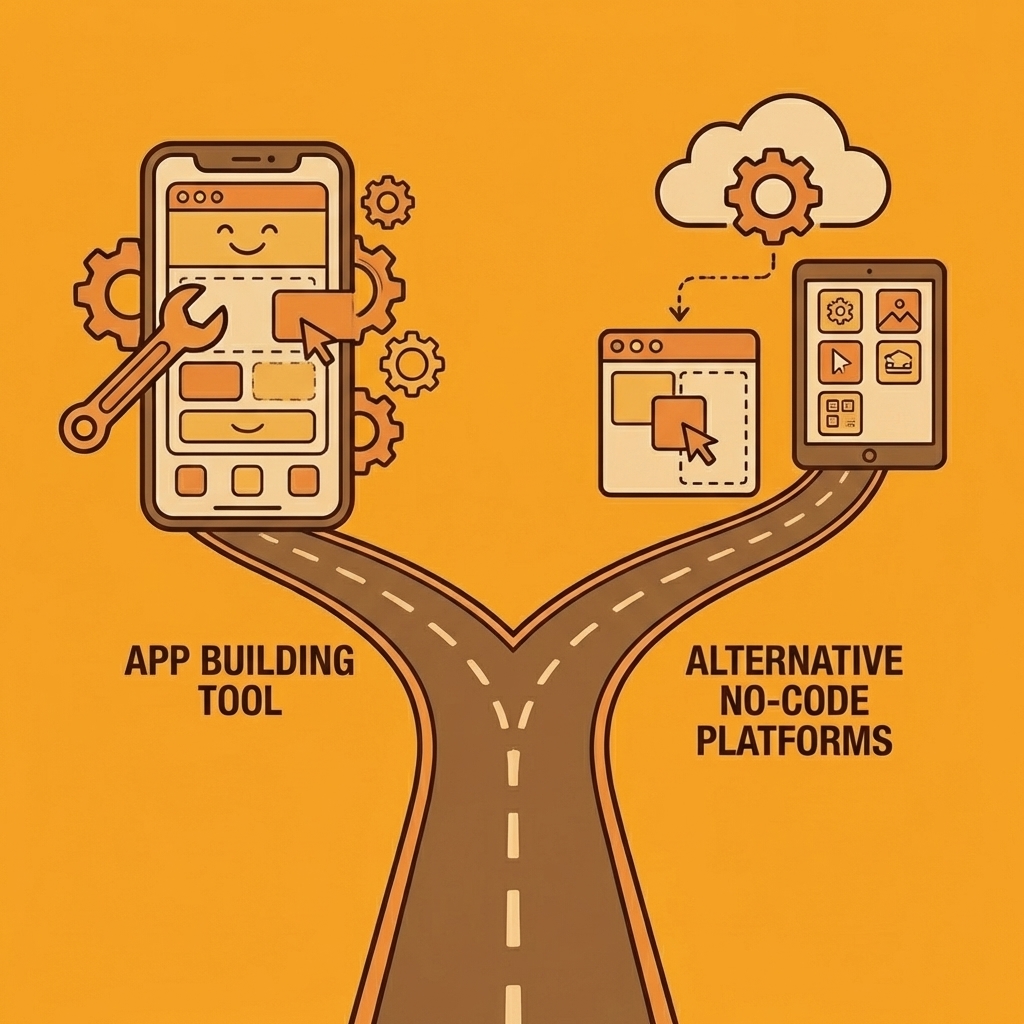
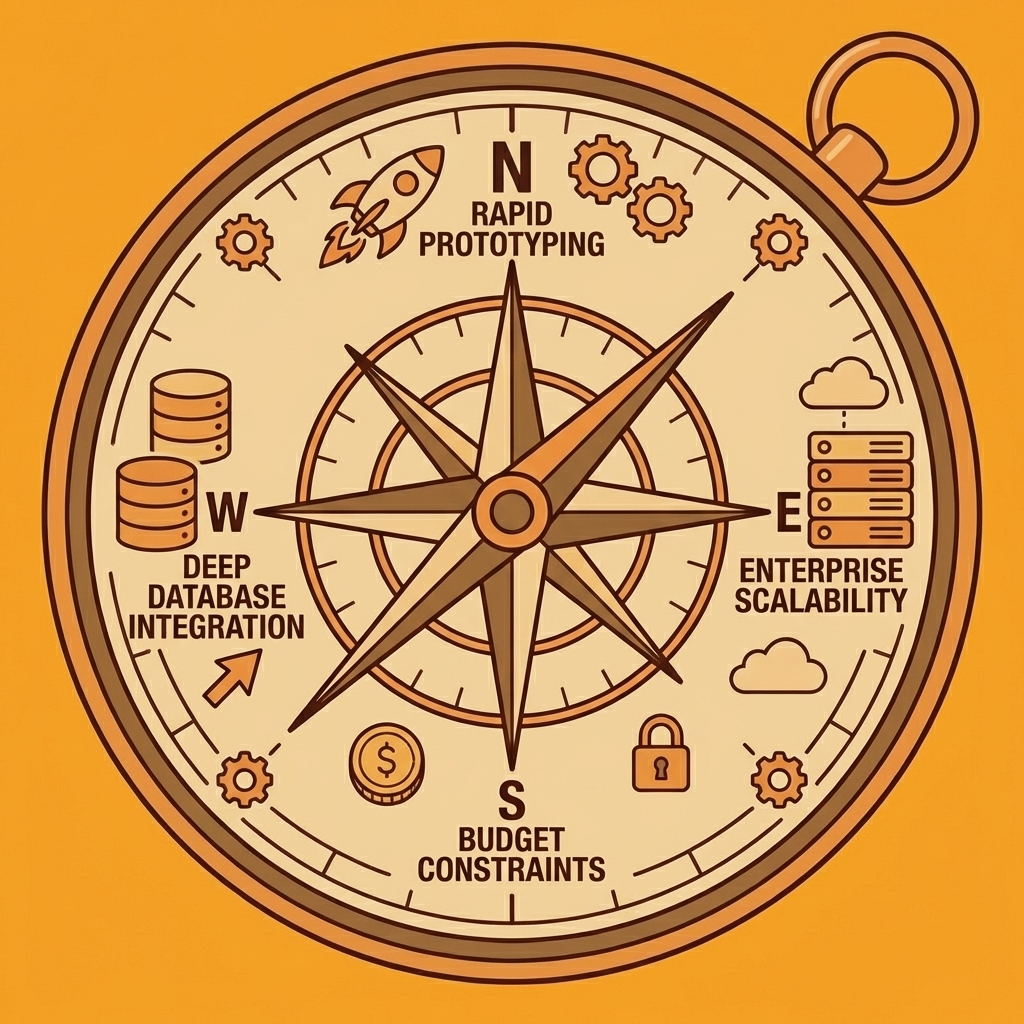
Key Point: The right no-code platform depends entirely on your specific requirements—rapid prototyping, enterprise scalability, or deep database integration.
Some platforms excel at rapid prototyping, others at enterprise scalability or deep database integration. Some prioritize pixel-perfect design control, while others make collaboration their cornerstone. The key is matching your actual needs to the right platform.
"The no-code market is expected to reach $65 billion by 2027, with 75% of large enterprises using at least one low-code application platform." — Gartner, 2023
Below, we've broken down 21 alternatives by what they solve, how they differ from AppSheet, and where they shine brightest. Each entry includes standout features and honest limitations so you can evaluate fit before committing to migration or experimentation.
Tip: Consider running parallel tests with 2-3 platforms before fully migrating from AppSheet to ensure the alternative meets your real-world requirements.
1. Orchids – Best for Full-Stack Control with AI Assistance
What it solves
Orchids targets developers and technical teams who need to ship production-ready applications fast without getting locked into preset templates or proprietary infrastructure. Unlike AppSheet's spreadsheet-first approach, our AI app generator lets you build anything—web apps, mobile apps, scripts, bots, browser extensions—with AI-powered code generation that doesn't restrict your stack choices.
How it differs from AppSheet
AppSheet binds you to Google Workspace and limits backend customization, whereas Orchids gives you full control. You bring your own LLM and API keys to manage costs, connect whatever database, authentication, and payment systems suit your project, and deploy to your own Vercel instance when ready to scale.
Standout features
- AI app generator that produces actual code, not template configurations
- Import existing codebases and continue building with AI assistance
- One-click deployment with custom domain support
- Security audit tools built in
- Deploy to your own infrastructure rather than staying locked to a vendor.
Use cases
Building MVPs that transition into production systems, teams managing multiple application types (web, mobile, extensions), developers seeking AI productivity without platform lock-in, and projects requiring specific tech stacks for compliance or integration reasons.
Limitations
More technical than pure no-code platforms, you'll benefit most if you understand basic development concepts.
Pricing
Free tier available to start building.
2. Airtable – Best for Spreadsheet-Database Hybrids
What it solves
Airtable bridges the gap between spreadsheets and databases. It looks like familiar spreadsheet software but functions as a relational database underneath, enabling linked records, rollups, and lookups.
How it differs from AppSheet
While both start from spreadsheet-like interfaces, Airtable emphasises the data layer with app-building as secondary, whereas AppSheet focuses on the app layer built on top of data sources.
Standout features
- Intuitive database design that looks like spreadsheet software
- Rich field types (attachments, checkboxes, linked records, formulas)
- Built-in automations for workflow management
- Lots of third-party integrations
- Real-time collaboration
Use cases
Client intake systems, project management workflows, content calendars, CRM for small teams, inventory management, and micro SaaS backend databases.
Limitations
Automations can be unreliable; many power users achieve better results using Airtable as the database and running automations through Zapier instead. Performance degrades with large datasets.
Pricing
Free plan available; paid plans scale with features and usage.
3. Sheet Best – Best for API-First Spreadsheet Integration
What it solves
Sheet Best converts spreadsheets into REST APIs, enabling data to flow into applications, chatbots, and any HTTP-compatible system. Unlike traditional no-code builders that lock you into their front-end, Sheet Best focuses solely on the backend.
How it differs from AppSheet
AppSheet combines data management and app creation into a single package. Sheet Best intentionally separates concerns: it handles only the API layer, giving you complete freedom to build any front-end experience using any framework.
Standout features
- Instant REST API generation from Google Sheets or Excel
- No front-end lock-in: use the API with any application
- Simple setup with no coding required
Use cases
Powering chatbot conversations with dynamic data, prototyping MVPs, building custom CRMs, feeding data into Power BI analytics, creating lightweight content management systems, and connecting spreadsheet data to web or mobile apps.
Limitations
Focuses only on backend/API functionality; you'll need separate tools for the user interface.
Pricing
Varies by API usage and features.
4. Quickbase – Best for Enterprise Workflow Automation
What it solves
Quickbase handles complex workflow automation for specific industries, particularly excelling in project management and construction. It's built for businesses needing custom applications to manage unique processes that off-the-shelf software cannot address.
How it differs from AppSheet
Quickbase operates at a higher price point and complexity level, targeting enterprise customers with large budgets and complicated workflows, while AppSheet serves teams seeking lighter-weight solutions.
Standout features
- Pre-built applications for common business scenarios
- Custom application builder for specialized use cases
- Spreadsheet import for data migration
- Deep integration with existing business systems
- Enterprise-grade security and permissions
Use cases
Construction project tracking, complex approval workflows, regulatory compliance management, manufacturing operations, and large-scale cross-departmental project management.
Pricing & Limitations
$700/month (up to 50 apps) to $2,200/month (up to 100 apps), billed annually. This pricing is steep for small teams or simple use cases.
5. Jotform Apps – Best for Form-Centric Workflows
What it solves
Jotform Apps extends Jotform's form-building strength into lightweight applications for workflows centred on collecting information and organising submissions through a mobile-friendly interface.
How it differs from AppSheet
Much narrower in scope. While AppSheet aims to be a comprehensive app platform, Jotform Apps focuses specifically on form-driven use cases, such as booking systems, data collection, and intake processes.
Standout features
- Drag-and-drop interface familiar to existing Jotform users
- Direct integration with Jotform's form ecosystem
- Mobile app generation from forms
- Template library for common scenarios
Use cases
Appointment booking systems, event registration, customer intake, survey distribution, and lightweight order forms.
Limitations
Not suitable for complex business logic or strong CRO/revenue tracking. Works best as an extension of existing Jotform usage rather than a standalone platform. Lacks marketing optimization tools for serious e-commerce.
Pricing
Freemium model; paid plans start at $24/month to remove branding from the main Jotform product.
6. Caspio – Best for Scalable Enterprise Solutions
What it solves
Caspio addresses long-term scalability by providing infrastructure to grow from a pilot project into an enterprise-wide solution.
How it differs from AppSheet
Caspio is low-code rather than pure no-code, requiring basic development knowledge. It's positioned for large-scale deployments with stronger enterprise support and scalability guarantees.
Standout features
- Workflow and business process automation at scale
- Enterprise-level support and SLAs
- Strong track record in regulated industries
- Proven scalability for mission-critical applications
Use cases
Business operations automation, regulatory compliance tracking, long-term enterprise solutions, and workflow automation for large organisations.
Limitations
Not purely no-code; requires understanding of low-code development principles. It represents a high cost and migration effort. Enterprise focus means features may exceed small teams' needs.
Pricing
Free plan available; paid plans start at €102/month (automation not included at that tier).
7. Appy Pie – Best for Knowledge Centralization and Process Automation
What it solves
Appy Pie specializes in organized workflows and knowledge management, making it ideal for centralizing information and automating repetitive tasks. It's particularly strong for internal knowledge bases and guided workflows.
How it differs from AppSheet
Appy Pie focuses on pre-designed templates and process-automation sequences rather than on flexible, data-driven apps. It works better as a complement to existing systems than as a foundation for your entire operation.
Standout features
- Pre-designed templates with built-in walkthroughs
- Automation sequence builder (excellent for chatbots and workflows)
- App distribution to Google Play and App Store
- Interactive product line guides for sales teams
Use cases
Internal knowledge base centralization, sales enablement with product guides, customer support chatbots, process automation for repetitive workflows, and distribution of training materials.
Limitations
No freemium plan. Appy Pie branding cannot be removed unless you upgrade to the enterprise tier. The platform lacks the comprehensiveness needed to build entire businesses on it.
Pricing
Starts at $16/app/month for web and Android apps.
8. Bubble – Best for Full-Stack No-Code Development
What it solves
Bubble lets you build complete, production-grade applications without traditional development. It provides a comprehensive toolkit for running entire businesses on no-code infrastructure, including complex front-ends, custom workflows, and sophisticated user experiences.
How it differs from AppSheet
Bubble offers pixel-level design control alongside powerful backend logic, whereas AppSheet generates functional interfaces from data. This makes Bubble suitable for customer-facing products that must compete visually with traditionally developed apps.
Standout features
- Complete front-end design system with no coding required
- Automatic deployment and hosting
- Build CRMs, marketplaces, and full SaaS products
- Database management, user authentication, and API integrations included
- Responsive design tools for any screen size
Use cases
SaaS applications, two-sided marketplaces, client portals with custom branding, internal workflow automation with polished UIs, professionally-designed MVPs, and CRMs with unique interface requirements.
Limitations
Steeper learning curve than simpler no-code tools. Performance issues with complex applications. Vendor lock-in complicates migration to traditional development.
Pricing
Freemium plan available; paid plans start at $29/month.
9. Glide – Best for Spreadsheet-to-App Transformation
What it solves
Glide turns spreadsheet data into mobile apps. If you're managing data in Google Sheets or Excel and need to share that information via an app, Glide offers the fastest solution.
How it differs from AppSheet
Both platforms start from spreadsheets, but Glide focuses on fast app creation with ready-made templates and mobile-friendly designs, while AppSheet prioritises flexibility and Google Workspace integration.
Standout features
- Ready-made templates for common uses
- Mobile-first design approach
- Live data sync with source spreadsheets
- Great for both internal and client-facing apps
Use cases
Delivery planning, customer portals, inventory tracking, business reporting dashboards, HR automation, lightweight CRM, and field service management.
Limitations
Less flexible than full development platforms; complex business logic and advanced database capabilities are difficult to configure.
Pricing
Free tier for individual users; paid plans start at $25/month (individual) or $99/month (business).
10. AppMachine – Best for Template-Based App Creation
What it solves
AppMachine simplifies app creation through a four-step process: plan, build, test, publish. It provides over 30 building blocks and multiple templates to accelerate development for users prioritising speed over complexity.
How it differs from AppSheet
More template-driven and less flexible. AppMachine prioritises simplicity over customisation, making it ideal for straightforward use cases where a template fits your needs.
Standout features
- Over 30 building blocks for rapid assembly
- Multiple ready-made templates
- Google Sheets and Excel data integration
- Drag-and-drop builder
- Expert network available to build apps on your behalf
Use cases
Simple mobile apps for small businesses, quick prototypes, straightforward data display apps, and basic customer-facing tools.
Limitations
Only eight templates available. Less powerful for complex or unique requirements. Better suited to matching your needs to existing templates than building something custom.
Pricing
Contact for pricing.
11. TrackVia – Best for Document Digitization
What it solves
TrackVia specializes in converting physical documents (paper forms, PDFs, printed records) into digital apps. Its FasTrack feature automates form recognition, eliminating manual data entry.
How it differs from AppSheet
While AppSheet works with digital data sources, TrackVia excels at bridging the physical-to-digital gap through automated form recognition.
Standout features
- FasTrack: an automatic form editor that extracts data from photos or imported documents
- Drag-and-drop builder
- Code extension capabilities for advanced customization
- Real-time charts and graphics for data visualization
- Custom branding options
Use cases
Digitizing paper-based workflows, field service apps that replace clipboards, construction site documentation, healthcare intake forms, inspection checklists, and quality control documentation.
Limitations
Comparatively expensive with minimum user requirements. Not ideal if document digitization isn't your primary need.
Pricing
Higher than many competitors; contact for specific pricing.
12. Kintone – Best for Team Collaboration Features
What it solves
Kintone combines application building with strong collaboration tools, keeping distributed teams aligned through shared access to projects, documents, reports, and group chat.
How it differs from AppSheet
Collaboration is central to Kintone's design rather than an afterthought. While AppSheet focuses on app functionality, Kintone emphasises teamwork features—comments, tagging, and shared workspaces—as core platform capabilities.
Standout features
- Built-in collaboration tools (comments, tags, group chats)
- Accessible from mobile and desktop
- Template library for common business apps
- Customizable dashboard
- Real-time document and report sharing
Use cases
Remote team project management, collaborative workflow tracking, shared knowledge repositories, distributed team coordination, and cross-functional project alignment.
Limitations
Some users report that the interface design feels outdated. It may be unnecessary if collaboration features aren't critical to your needs.
Pricing
Contact for pricing.
13. Ninox – Best for Learning Resources and Support
What it solves
Ninox provides educational materials—blog posts, tutorials, and webinars—directly through its platform, making it ideal for teams needing setup support. You can customize it to your needs and access it from anywhere, with a strong focus on user learning.
How it differs from AppSheet
Ninox calls itself "low-code" and emphasises teaching users to make the most of the platform's capabilities. It also functions as ERP software, handling enterprise resource planning beyond app creation.
Standout features
- Built-in CRM capabilities
- Integrations with Zapier and Make
- Desktop and mobile accessibility
- Partner network connecting users with implementation experts
- Extensive learning materials (blog, tutorials, webinars)
- Can serve as ERP software
Use cases
Business process digitization, custom CRM implementations, ERP systems for small-to-medium businesses, workflow automation with expert guidance, and teams needing strong support during rollout.
Limitations
Described as "low-code" rather than pure no-code, so advanced features require some coding knowledge. The learning curve may be steeper than simpler alternatives.
Pricing
Contact for pricing.
14. Adalo – Best for Data Management and Responsive Design
What it solves
Adalo creates dynamic, data-driven apps with spreadsheet-based data management and responsive design tools, making it ideal for apps where data organisation and mobile-friendly experiences are critical.
How it differs from AppSheet
Adalo emphasizes visual design and responsive layouts, excelling at creating polished apps that work seamlessly across phones, tablets, and desktops without separate designs for each.
Standout features
- Drag-and-drop interface
- Spreadsheet-style data management
- 25+ app components (calendars, embedded videos, etc.)
- Responsive layouts for any device
- Stripe integration for payment processing
- Continue editing after publishing
- Zapier integration
Use cases
Mobile apps requiring camera access, customer-facing apps needing push notifications, multi-platform applications, payment-processing apps, and data-heavy applications.
Limitations
Pricing plans cap the number of actions app users can take, potentially restricting engagement as your app grows.
Pricing
Contact for pricing; note action limits on plans.
15. Stacker – Best for Automating Business Workflows
What it solves
Stacker converts spreadsheet data into functional business apps by automatically generating apps from Airtable or Google Sheets, then enables customization of workflows, dashboards, and CRM features.
How it differs from AppSheet
Stacker prioritises speed by automatically creating apps. Point it at your Airtable base or Google Sheet to generate a working app immediately, then refine from there rather than building from scratch.
Standout features
- Automatic app creation from Airtable or Google Sheets
- Built-in CRM tools
- Custom dashboards and client portals
- Real-time collaboration with commenting
- Workflow management platform
- Data centralization for teams
Use cases
Internal process automation, client portals, CRM for contact and account management, partner dashboards, and cross-departmental workflow tracking.
Limitations
Pricing requires contacting sales, making budgeting difficult without demo conversations.
Pricing
Contact for pricing.
16. Clappia – Best for Offline-Capable Mobile Apps
What it solves
Clappia creates mobile and web apps that work offline, ideal for field teams collecting data in remote areas or places with unstable internet.
How it differs from AppSheet
Clappia's offline mode and field-specific features (GPS, geofencing, NFC, live tracking) make it stronger for mobile-first, location-dependent use cases with frontline workers.
Standout features
- Offline mode through the Clappia app launcher
- GPS location, QR codes, geofencing, NFC support
- Live camera uploads and tracking
- Google Drive integration
- 50+ pre-built app templates
- Share apps as online forms via links
- Embed apps into websites
- Only basic Excel skills required
Use cases
Field service management, delivery tracking, site inspections, remote data collection, attendance and location tracking, construction site management, and offline survey distribution.
Limitations
The feature set is heavily optimised for mobile and field use; it may exceed what you need for office-only work.
Pricing
A free tier is available for app creation and form sharing.
17. OutSystems – Best for Enterprise-Grade Applications
What it solves
OutSystems targets large organisations needing scalable, secure applications with deep integration into existing enterprise systems, where security, compliance, and legacy system integration are non-negotiable requirements.
How it differs from AppSheet
OutSystems is low-code (not no-code) and operates at enterprise scale. While AppSheet serves small-to-medium teams, OutSystems targets corporate IT departments managing mission-critical applications.
Standout features
- Enterprise-grade architecture and security
- Deep integration with ERP and CRM systems
- Advanced workflow automation
- Sophisticated data modeling
- Role-based access control
- Version control and team collaboration tools
Use cases
Corporate IT applications, government systems, large-scale ERP implementations, healthcare applications requiring HIPAA compliance, financial services apps needing audit trails, and multi-department enterprise solutions.
Limitations
Requires technical knowledge and is expensive for small businesses. It may be overkill for simple use cases or small teams.
Pricing
Enterprise pricing; contact for quotes.
18. Retool – Best for Internal Business Tools
What it solves
Retool specializes in building internal tools quickly: admin panels, dashboards, and data management interfaces for technical teams. It dramatically accelerates CRUD interface development.
How it differs from AppSheet
Retool targets technical users with support for SQL queries, JavaScript customization, and deep database integrations. It prioritises internal tools where speed and database integration matter more than design polish.
Standout features
- Connect to any database or API
- Drag-and-drop UI for rapid development
- Advanced JavaScript support for customization
- SQL queries are built into the platform
- Deep database integration (PostgreSQL, MySQL, MongoDB, etc.)
Use cases
Internal dashboards, admin panels, data management tools, operations workflows, analyst tools, database GUIs, and internal reporting systems.
Limitations
Not suitable for customer-facing applications. Requires basic coding knowledge (SQL, JavaScript).
Pricing
Contact for pricing.
19. Zoho Creator – Best for Business Process Apps Within Zoho Ecosystem
What it solves
Zoho Creator fills the gap for businesses already using Zoho's suite who need custom applications. It combines database management, workflow logic, and UI design with tight integration into the broader Zoho ecosystem.
How it differs from AppSheet
Zoho Creator benefits from ecosystem integration if you're already using Zoho products (CRM, Books, Mail, etc.). It's optimized for business process automation with strong reporting tools, though the interface feels less modern.
Standout features
- Workflow automation
- Custom forms and robust reporting
- REST APIs and third-party integrations
- Mobile and tablet responsive
- All-in-one business app builder
- Tight Zoho ecosystem integration
Use cases
Data collection and reporting, small business process automation, custom forms for internal workflows, mobile-responsive business apps, and extending Zoho CRM functionality.
Limitations
The interface feels outdated compared to newer platforms and offers limited design flexibility. It offers the best value if you're already invested in the Zoho ecosystem.
Pricing
Affordable for small teams; contact for specific pricing.
20. Bravo Studio – Best for Design-First Mobile Apps (Figma/Adobe XD)
What it solves
Bravo Studio converts Figma and Adobe XD designs into native iOS and Android applications, eliminating the gap between design prototypes and functioning apps.
How it differs from AppSheet
Bravo Studio starts with design files rather than data, targeting teams with strong design capability who want pixel-perfect implementation without traditional development.
Standout features
- Direct compatibility with Figma and Adobe XD designs
- Native iOS and Android app generation
- Fully clickable prototypes that feel like live apps
- Bravo Vision for real-time testing and variation experiments
- Stripe payment integration
- RevenueCat integration for subscriptions
Use cases
Design-driven mobile apps, startups with design expertise but no developers, apps requiring custom branding, testing UX variations before full development, and consumer-facing apps where appearance matters.
Limitations
Only two pre-built templates are available. Requires strong design skills and existing design assets. Mobile-focused; unsuitable for web applications.
Pricing
Contact for pricing.
21. GoodBarber – Best for Design-Focused Apps with Long Free Trial
What it solves
GoodBarber focuses on creating beautiful user experiences with extensive design options. It works well for apps where aesthetics matter—such as online stores, restaurants, and online classes—giving you design flexibility to stand out.
How it differs from AppSheet
GoodBarber prioritises design quality and user experience through industry-specific templates. It trades backend flexibility for superior front-end control and visual customisation.
Standout features
- Lots of design customization options
- Templates made for specific industries (online stores, restaurants, classes, etc.)
- Modular design that's easy to customize
- Strong content management system
- Easy-to-use analytics dashboard
- 160+ extensions for workflows
- One-month free trial
- Multiple payment processors included
Use cases
Online store apps, restaurant ordering systems, online class platforms, content-heavy apps, and customer-facing apps where brand identity and polish matter.
Limitations
The most useful extensions (appointment booking, authentication) cost extra, making it expensive to add the necessary features. It works better for consumer apps than for those with complex business logic.
Pricing
Free one-month trial; contact for pricing on the paid plan.
Hit the Limits of AppSheet? Build Your First App for Free
Many teams start with AppSheet because turning a spreadsheet into an app is fast. But as projects grow, you hit the same limits: rigid customization, inflexible data models, expensive scaling, and difficulty connecting custom APIs or workflows. You need a way to build real apps without getting stuck in someone else's framework.
Key Point: AppSheet's spreadsheet-to-app approach works initially, but real business applications quickly outgrow its template-based limitations.
Build Real Apps Faster with Orchids
Orchids is an AI app generator designed for builders who want more control than typical no-code tools. Instead of forcing your project into a preset template, Orchids lets you vibe-code and ship real apps quickly.
"Traditional no-code platforms force 85% of developers to work around rigid templates, while AI-powered generators like Orchids let you build custom solutions without framework constraints." — Developer Survey, 2024
With Orchids, you can:
- Build web apps, mobile apps, scripts, bots, and extensions
- Bring your own LLM or API keys to control costs
- Connect any stack for databases, authentication, and payments
- Import existing code and extend it with AI
- Deploy instantly and add your own custom domain
When you're ready, deploy directly to your own Vercel environment and retain full ownership of your project.
Tip: Unlike AppSheet's Google-locked ecosystem, Orchids gives you complete control over your deployment and data ownership.
Try It with a Simple Prototype
The fastest way to evaluate a platform is to build something small. Pick a simple workflow you want to automate, generate a working prototype with Orchids, and deploy it with one click. You'll see how much faster you can move when you're not restricted by templates.
| AppSheet Limitations | Orchids Advantages |
|---|---|
| Template-based builds | Custom AI generation |
| Google ecosystem lock-in | Any stack integration |
| Expensive scaling | Bring your own APIs |
| Limited customization | Full code control |
Warning: Don't spend months fighting AppSheet's limitations when you could be shipping production-ready apps in minutes.
Build your first app for free with the Orchids AI app generator and start shipping real apps in minutes.
Related Reading
Bilal Dhouib
Head of Growth @ Orchids